The value of an AI assistant is only as good as what it can see.
Claude is capable enough. The gap is usually that it’s working in isolation from the tools and data your team actually runs on.
Built on the Model Context Protocol (MCP), an open standard that works like a universal plug between AI and your existing software. Connectors create secure bridges between Claude and the tools you’re already using, letting it search, retrieve, and take actions directly. No manual exports, copy-pasting, or repeated context-setting.
This guide covers the strongest connectors available in 2026, grouped by workflow type. The goal is to help you find what fits your team’s actual setup rather than scroll through a directory of 50+.
Why Claude Connectors Matter
Most teams using AI today hit the same wall. The model is capable, but the data it needs is scattered across dozens of disconnected tools.
Analytics in BigQuery, deals in HubSpot, meeting notes in Notion, product discussions in Slack. Without connectors, teams spend time exporting files, copying dashboards, and rewriting prompts with missing context instead of actually doing the work. Claude becomes much more useful when those systems are connected, enabling what some teams call conversational analytics, where business questions get answered directly from live data.
As more organizations adopt AI internally, governed access matters too. Teams need ways to connect Claude to approved systems without exposing sensitive information or creating uncontrolled workflows. One reason MCP servers and enterprise connectors are becoming increasingly important.
What to Look for in Claude AI Connectors
Not every Claude connector solves the same problem.
A RevOps team analyzing campaign performance needs something different from a legal department working with document archives.
Beyond the specific use case, look for connectors that support automated syncing or live access, work with both structured and unstructured data, offer enterprise-grade permissions, and are MCP-compatible.
Easy setup, real-time synchronization, and pricing that matches your team’s scale matter more in practice than the total number of integrations a platform advertises.
How Claude Connectors Actually Work
All Claude connectors are built on the Model Context Protocol (MCP), an open standard created by Anthropic. Think of it like USB for AI: instead of building a custom integration for every application, MCP gives tools one universal way to connect to Claude.
In practice, each connector creates a permission-aware bridge between Claude and a specific app. What that means for your workflows:
- Claude can search, retrieve, and in many cases take actions inside connected tools
- Access is governed by OAuth. You authorize exactly what Claude can see and do
- Connectors vary between read-only and read-write. Some can draft or send on your behalf, usually with an approval step
- “MCP-compatible” means the connector follows a shared standard, making it more reliable and easier to combine with other tools, including custom MCP setups for teams with more specific data needs.
Understanding this upfront helps when evaluating which connectors are appropriate for sensitive workflows like email, finance, or compliance.
How to Connect Your First Tool
The Connectors Directory is built directly into Claude. Find it under the integrations panel in the web app or desktop client. Most connectors authorize in under a minute via OAuth, using your existing credentials.
Before you start connecting everything at once:
- Check read vs. write permissions: some connectors only retrieve information; others can draft, create, or send on your behalf. Always review what actions are enabled, especially for email, calendar, and task tools.
- Start with your highest-friction tool: whichever app you find yourself manually copying into Claude most often is the right first connection.
- Add approval steps for write actions: most connectors let you require confirmation before Claude posts or sends anything. Turn this on until you’re comfortable with how the connector behaves.
- Combine tools intentionally: connectors get more powerful when used together. Meeting notes from Fellow plus tasks in Asana plus context from Notion is a stronger workflow than any single connection alone.
Best Claude Connectors in 2026
We’ve compiled a list of Claude connectors covering different business workflows, grouped by their primary use cases.
Analytics & Business Intelligence Connectors
These connectors help teams pull reporting, analytics, and operational data directly into Claude for faster analysis and decision-making.
Coupler.io

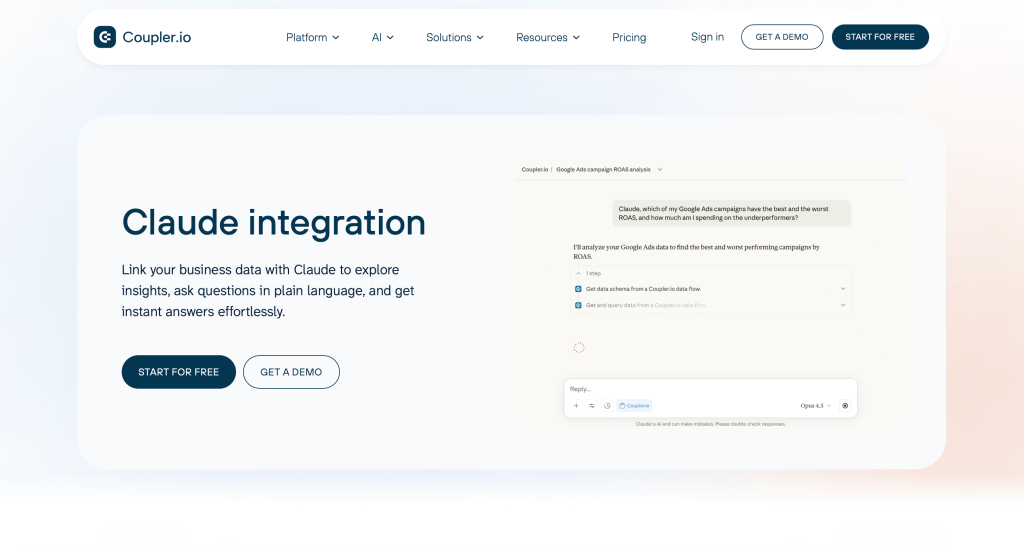
Coupler.io automates data flows across business applications, spreadsheets, databases, and BI tools, and enables AI workflows with Claude. Instead of manually exporting reports or consolidating dashboards, teams can centralize data pipelines and analyze connected business data directly with AI tools. The platform is particularly useful for marketing, sales, and operations teams managing fragmented reporting workflows across multiple systems.
Key features:
- Automated data imports from 400+ sources
- Scheduled refreshes and live synchronization
- Data transformation and consolidation workflows
- Integrations with Claude and other AI agents
- Exports to BigQuery, Sheets, Excel, Looker Studio, and BI platforms
- AI-ready data pipelines for reporting and analysis
Best-match audience: Marketing teams, RevOps specialists, analysts, agencies, and businesses automating reporting workflows with Claude.
Pricing info: Free plan available. Paid plans start at $24/month with higher tiers for advanced automation and larger data volumes.
Hex

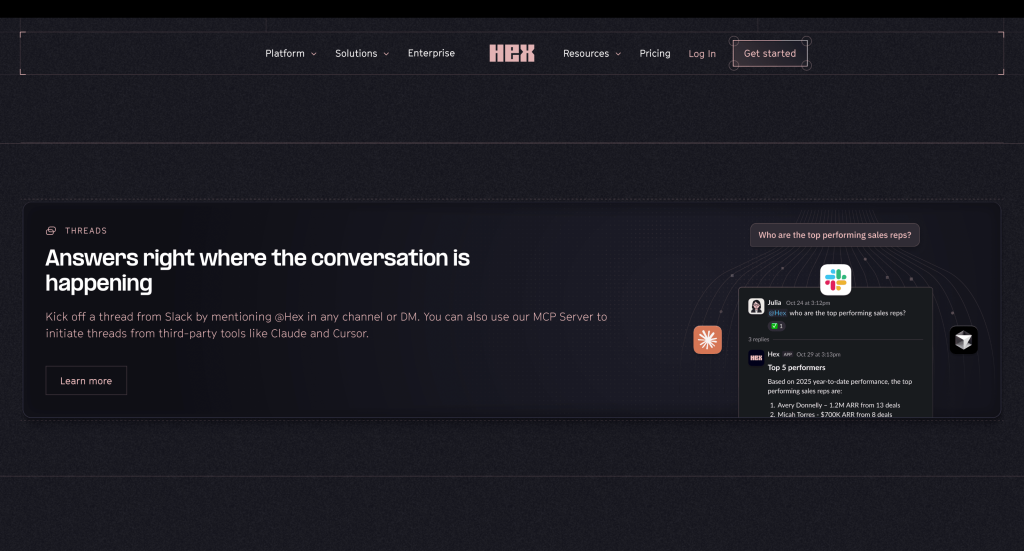
Hex combines collaborative analytics, notebooks, SQL workflows, and AI-powered analysis in one platform. Its Claude connector helps teams work with structured business data directly inside collaborative analytics environments. The integration is particularly useful for teams running exploratory analysis, internal reporting, and AI-assisted data investigations.
Key features:
- AI-powered notebook workflows
- SQL and Python analytics support
- Shared collaborative workspaces
- Claude-powered data exploration
- Interactive dashboards and reporting
- Centralized analytics workflows
Best-match audience: Data teams, analysts, and operations departments working with collaborative analytics workflows.
Pricing info: Free tier available. Enterprise pricing depends on workspace size and collaboration requirements.
Document, Email & Workspace Connectors
These connectors help Claude access documents, emails, spreadsheets, presentations, and internal knowledge stored across workspace platforms.
Google Drive

Google Drive integrations allow Claude to work with Docs, Sheets, Slides, and shared files without requiring manual uploads. Teams can search internal documents, summarize reports, analyze spreadsheets, and retrieve business context directly during conversations.
Key features:
- Access to Docs, Sheets, and Slides
- Shared workspace search
- Spreadsheet analysis workflows
- Real-time document access
- Centralized cloud storage integration
- Team collaboration support
Best-match audience: Teams heavily using Google Workspace for reporting, collaboration, and documentation.
Pricing info: Included within Google Workspace plans. Enterprise pricing depends on workspace size and storage requirements.
Gmail

Gmail connectors help Claude search inboxes, summarize conversations, surface important threads, and draft replies using real communication context instead of copied email snippets. This can significantly reduce time spent reviewing long email chains or gathering information manually.
Key features:
- Inbox search and summarization
- AI-assisted draft generation
- Thread analysis workflows
- Follow-up and action-item support
- Cross-workspace integration
- Conversation context retrieval
Best-match audience: Sales teams, executives, support teams, and professionals managing high email volumes.
Pricing info: Included with Google Workspace subscriptions.
Microsoft 365

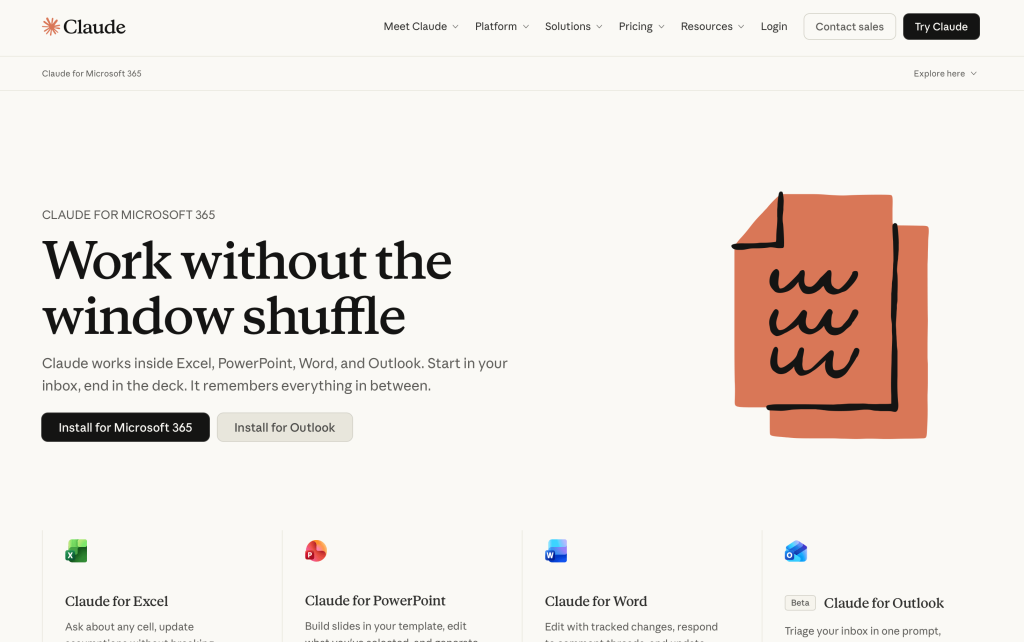
Microsoft 365 integrations connect Claude with Outlook, Teams, SharePoint, and OneDrive, helping organizations centralize enterprise communication and documentation workflows. For many enterprises, this becomes one of the most important AI integration layers because so much operational data already lives inside the Microsoft ecosystem.
Key features:
- Outlook email integration
- Teams collaboration access
- SharePoint document workflows
- OneDrive file retrieval
- Enterprise permissions support
- Cross-platform business search
Best-match audience: Enterprises and organizations operating primarily inside Microsoft environments.
Pricing info: Available through Microsoft 365 subscription tiers.
Box MCP integration

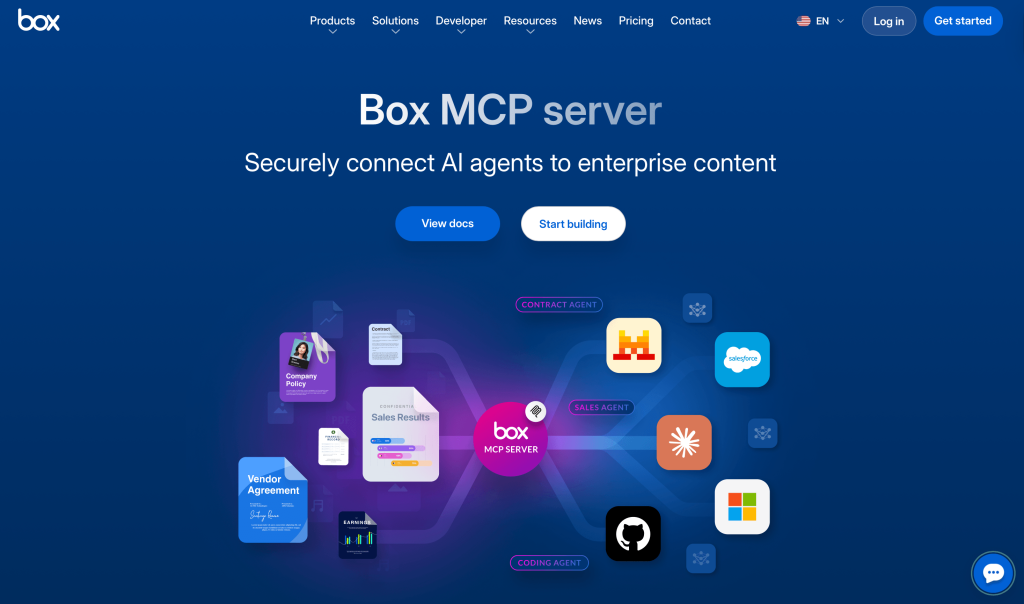
Box’s MCP integration for Claude helps organizations securely connect enterprise content and document systems with AI workflows. This is particularly important for companies managing large knowledge bases, compliance-heavy documentation, or internal content repositories.
Key features:
- Secure enterprise document access
- MCP server compatibility
- Permission-aware AI workflows
- Content search and summarization
- Governance and compliance controls
- Centralized enterprise knowledge access
Best-match audience: Enterprises, legal teams, compliance departments, and organizations managing sensitive internal documentation.
Pricing info: Enterprise pricing varies depending on storage, governance, and user requirements.
Slite

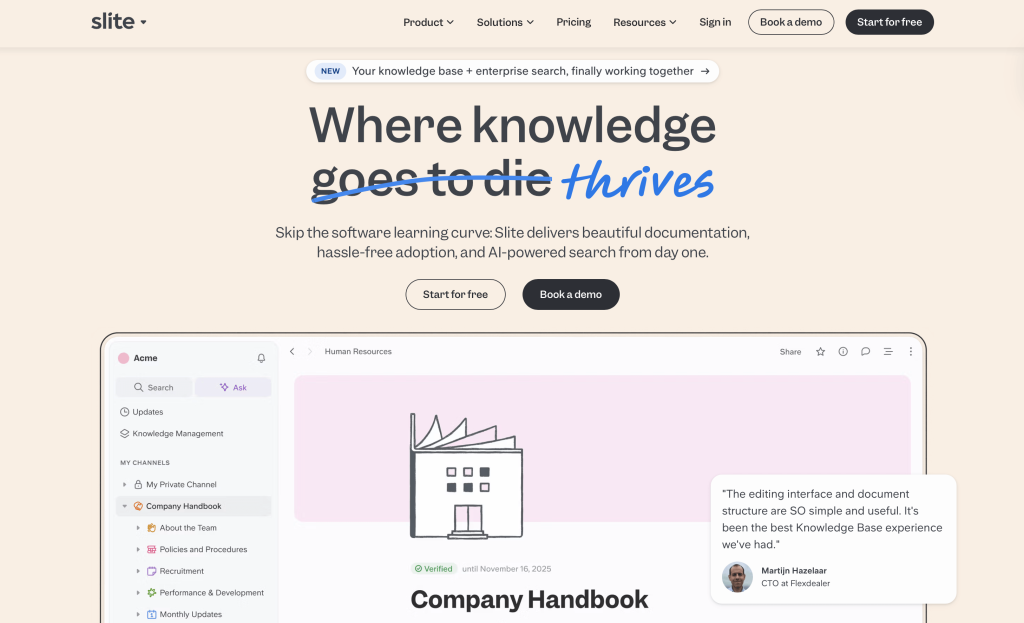
Slite is an AI-powered knowledge base that helps teams create, maintain, and find company information in one place. Slite MCP connector lets Claude search docs, create notes, and update content through natural language, all while respecting existing workspace permissions. Unlike generic wikis, Slite’s knowledge is verified and permission-aware, so Claude always pulls from trusted, up-to-date sources rather than outdated or unreviewed content.
Key features:
- Instant Q&A from your docs without tab-switching
- Doc creation directly from Claude conversations
- Content maintenance with human approval before any changes apply
- Onboarding and SOP generation from existing HR and engineering docs
- Compatible with Super MCP for research across Slack, Intercom, and Linear
Best-match audience: Operations, HR, support, and engineering teams at B2B companies who want Claude to read from and write to their knowledge base without leaving their AI workflow.
Pricing info: Paid plans start at $8/user/month billed annually, including AI search. Knowledge Suite plans start at $20/user/month. A free three-week trial is available with no credit card required. MCP connector is available on all paid plans.
Team Communication & Collaboration Connectors
These connectors help Claude work with internal conversations, meetings, transcripts, and collaboration workflows.
Slack

Slack integrations help Claude work with team conversations across channels, threads, and workspaces. Claude can summarize discussions, surface decisions and action items, and draft messages for review before anything is posted. Particularly useful for catching up on busy channels without manually reading through long threads or coordinating across multiple workspaces where context is easily lost.
Key features:
- Channel and thread summaries
- Draft and preview messages before posting
- Searchable conversation history
- AI-generated follow-ups and action items
- Cross-channel context retrieval
- Workflow automation support
Best-match audience: Remote teams, startups, agencies, and organizations coordinating work inside Slack.
Pricing info: Available through Slack subscription plans and partner integrations.
Fellow

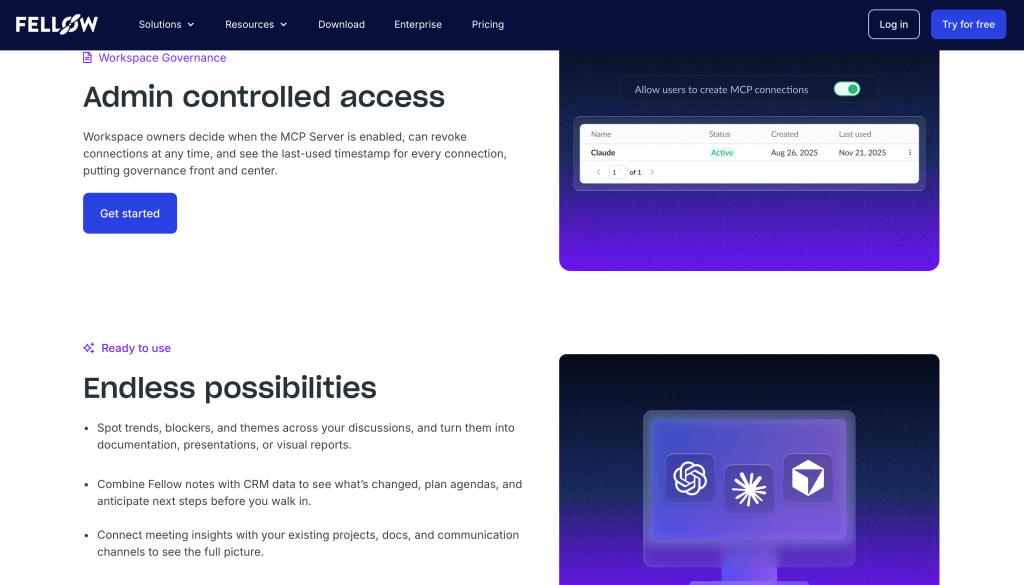
Fellow is a meeting management platform built around structured agendas, collaborative notes, and action item tracking. Its Claude connector makes meeting knowledge actually usable. When a decision gets made, or a task is assigned in Fellow, Claude can reference that context when helping you draft follow-ups, update project trackers, or brief someone who missed the call. Particularly valuable for teams where meetings drive many decisions, but those decisions tend to get buried in transcripts nobody revisits.
Key features:
- AI meeting summaries
- Shared collaborative agendas
- Action item tracking
- Meeting transcription workflows
- Team collaboration tools
- Knowledge centralization
Best-match audience: Remote teams, managers, and organizations running frequent collaborative meetings.
Pricing info: Free tier available. Paid plans scale based on workspace size and AI features.
Fathom

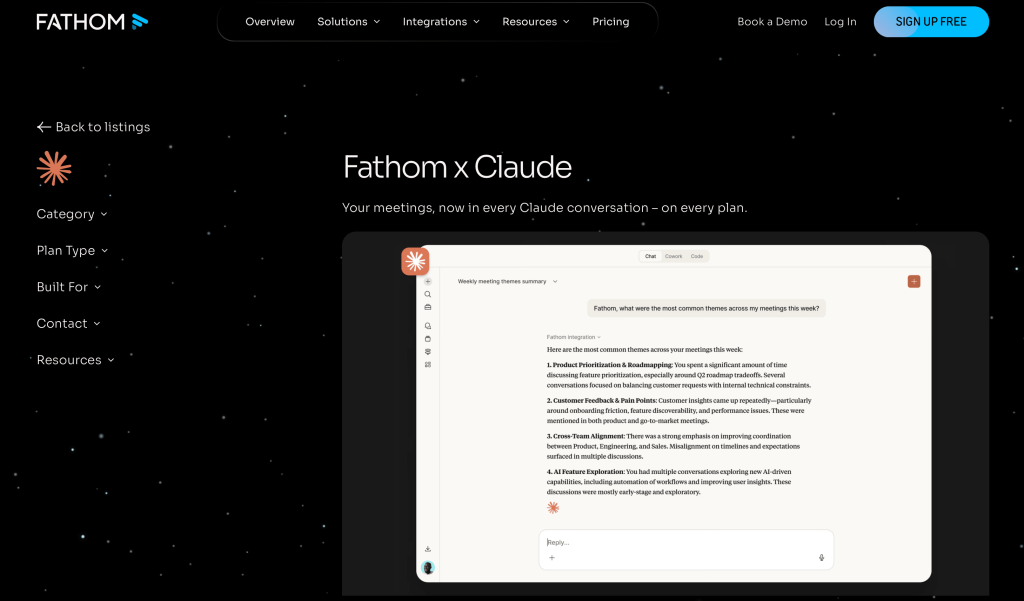
Fathom records, transcribes, and summarizes calls, then syncs highlights to CRMs and project tools automatically. It stands out for the quality of its AI summaries and depth of CRM integrations, a strong fit for customer-facing teams who need meeting outputs flowing into sales or support workflows without manual cleanup. Fathom’s Claude connector (via MCP) takes it further by letting you ask Claude anything about past calls and generate follow-ups, QBRs, or action plans directly from your meeting history.
Key features:
- Automated meeting transcription
- AI-generated summaries
- CRM and workflow integrations
- Searchable meeting archives
- Collaboration and sharing tools
- Cross-platform meeting support
Best-match audience: Sales teams, customer success departments, founders, and distributed organizations managing large volumes of meetings.
Pricing info: Free plan available. Premium tiers unlock advanced collaboration and enterprise features.
Project Management & Productivity Connectors
These connectors help Claude work with task management systems, product roadmaps, internal planning, and operational workflows.
Linear

Linear’s Claude integration helps teams interact with product management workflows, issue tracking, and development planning through AI-assisted conversations.
Instead of manually reviewing tickets or sprint discussions, teams can summarize issues, prioritize tasks, and surface project insights faster.
Key features:
- AI-powered issue summaries
- Project and sprint analysis
- Workflow automation support
- Product planning assistance
- Fast search across tickets and discussions
- Team collaboration integrations
Best-match audience: Product teams, engineering organizations, and startups managing fast-moving development workflows.
Pricing info: Free plan available. Paid plans start at $10/user/month.
ClickUp

ClickUp combines task management, documentation, project planning, and AI-powered productivity features into a centralized workspace. Its Claude integration helps teams generate summaries, automate documentation workflows, and work with operational data more efficiently.
Key features:
- AI-generated task summaries
- Connected docs and project management
- Workflow automation
- Team collaboration tools
- Knowledge management features
- Multi-project organization
Best-match audience: Cross-functional teams, agencies, and operations departments managing multiple workflows in one platform.
Pricing info: Free plan available. Paid plans start at around $10/user/month, depending on workspace size and AI usage.
Asana

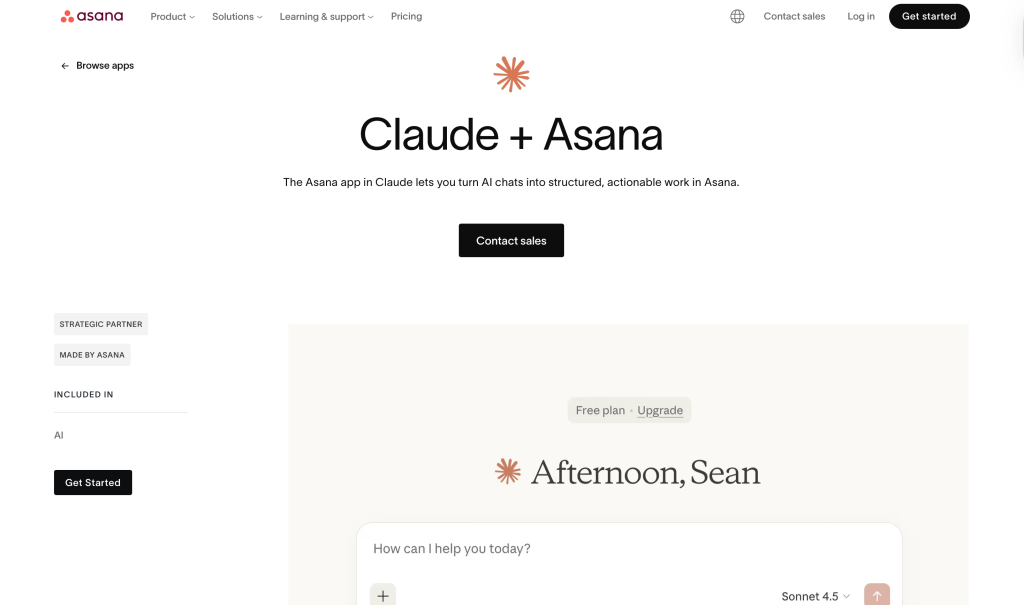
Asana integrations help teams organize projects, manage goals, coordinate tasks, and keep operational planning workflows connected with Claude. This is particularly useful for marketing, operations, and cross-functional teams balancing multiple projects simultaneously.
Key features:
- AI-powered project summaries
- Task and workflow tracking
- Goal management support
- Cross-team coordination
- Timeline and planning tools
- Collaboration workflows
Best-match audience: Marketing teams, operations departments, and organizations managing structured project workflows.
Pricing info: Free plan available. Paid tiers unlock advanced reporting, AI, and automation features.
CRM & Customer Data Connectors
These connectors help Claude access customer, pipeline, and CRM information to improve sales, support, and operational workflows.
HubSpot

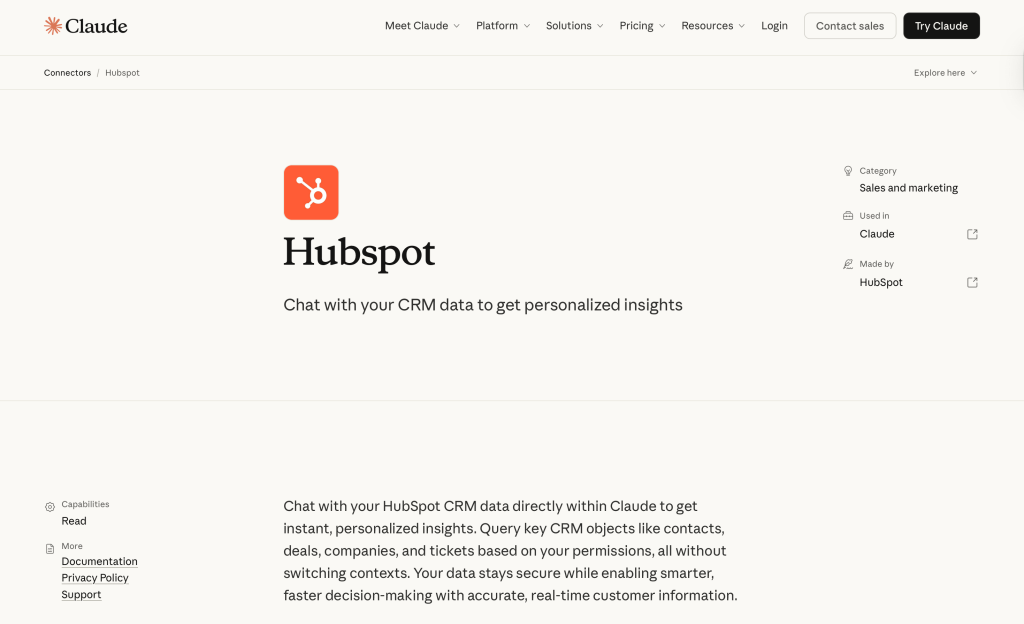
HubSpot integrations give Claude direct access to the full CRM picture (deal stages, contact histories, interaction timelines, and pipeline data) without requiring manual exports or tab-switching. Most useful when you need to brief yourself on an account before a call quickly, generate a pipeline summary, or pull customer context into a draft without copying records across manually. Teams that want to connect HubSpot to Claude will find it one of the more straightforward setups in the directory.
Key features:
- CRM data access
- Pipeline and deal summaries
- Customer interaction insights
- Marketing and sales workflow integration
- AI-assisted reporting
- Contact and lifecycle analysis
Best-match audience: Sales teams, RevOps departments, customer success teams, and B2B organizations managing CRM-heavy workflows.
Pricing info: Available through HubSpot subscription tiers and integration partners.
Financial & Revenue Connectors
These connectors help Claude work with payment, subscription, and financial operations data.
Stripe

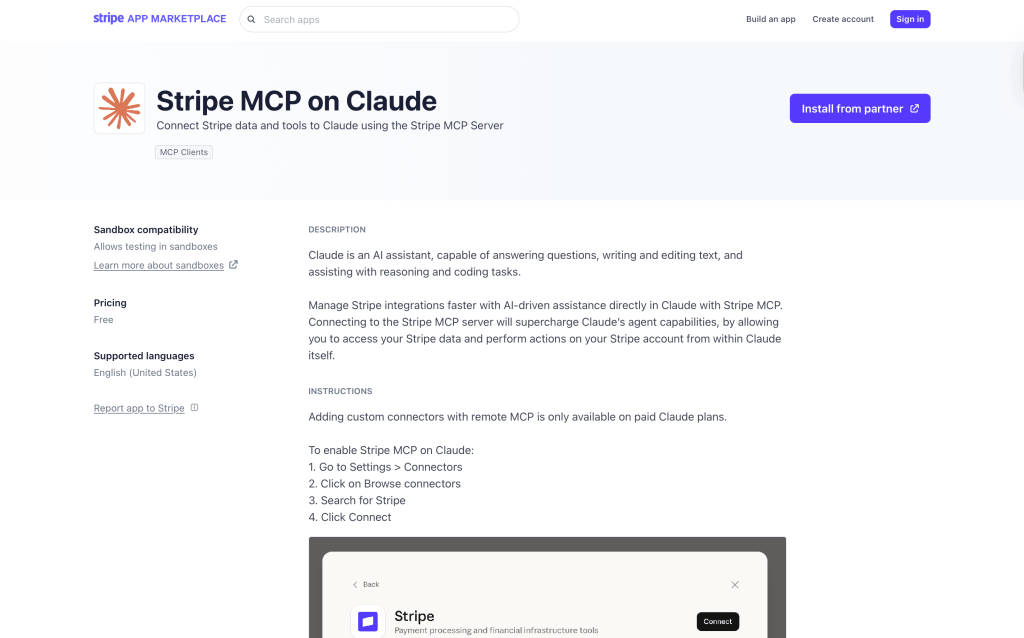
Stripe integrations let Claude work directly with payment and subscription data (revenue trends, transaction histories, billing metrics, and subscription changes) without exporting reports or switching between dashboards. Particularly useful for finance and ops teams who need regular visibility into recurring revenue performance, or for founders who want to ask natural language questions about their numbers rather than build custom reports.
Key features:
- Payment and subscription analysis
- Revenue reporting workflows
- Financial data access
- Billing and transaction summaries
- Infrastructure and operations insights
- AI-powered financial reporting support
Best-match audience: SaaS companies, finance teams, operations departments, and businesses managing recurring revenue models.
Pricing info: Stripe pricing depends on transaction volume and platform usage.
Workflow Automation & AI Infrastructure Connectors
These connectors help teams move information automatically between systems and build AI-powered operational workflows.
Zapier

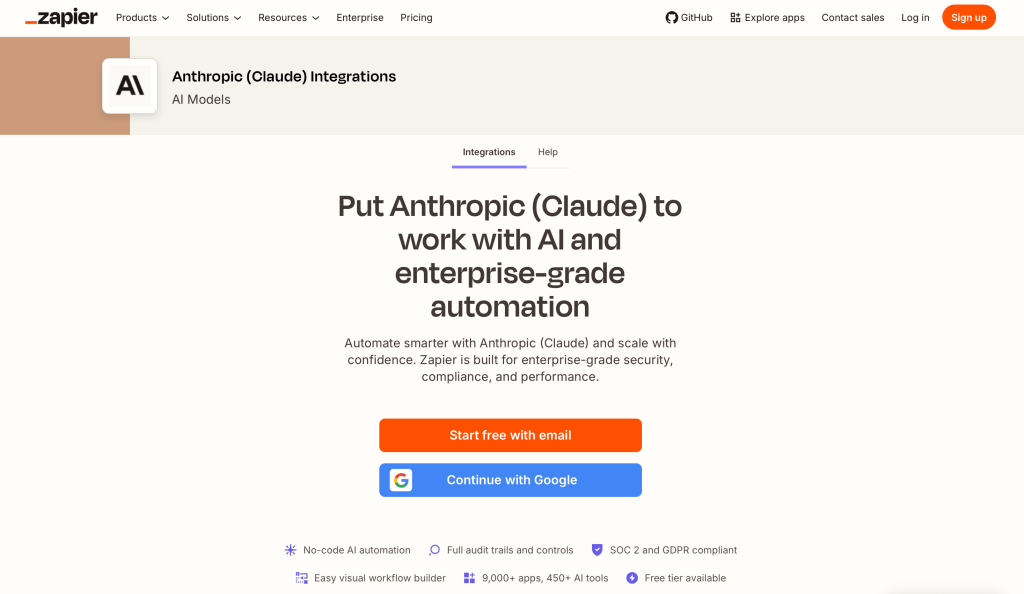
Zapier connects Claude with thousands of applications, making it easier to automate repetitive workflows without writing custom code. Teams can trigger actions, generate summaries, move information between tools, and automate reporting workflows directly through conversational AI.
Key features:
- Thousands of app integrations
- AI-powered workflow automation
- Trigger-based operational workflows
- CRM and marketing automation
- No-code setup
- Multi-step automation support
Best-match audience: Operations teams, SMBs, agencies, and businesses automating repetitive workflows across multiple applications.
Pricing info: Free tier available. Paid plans scale based on workflow complexity and task volume.
Make

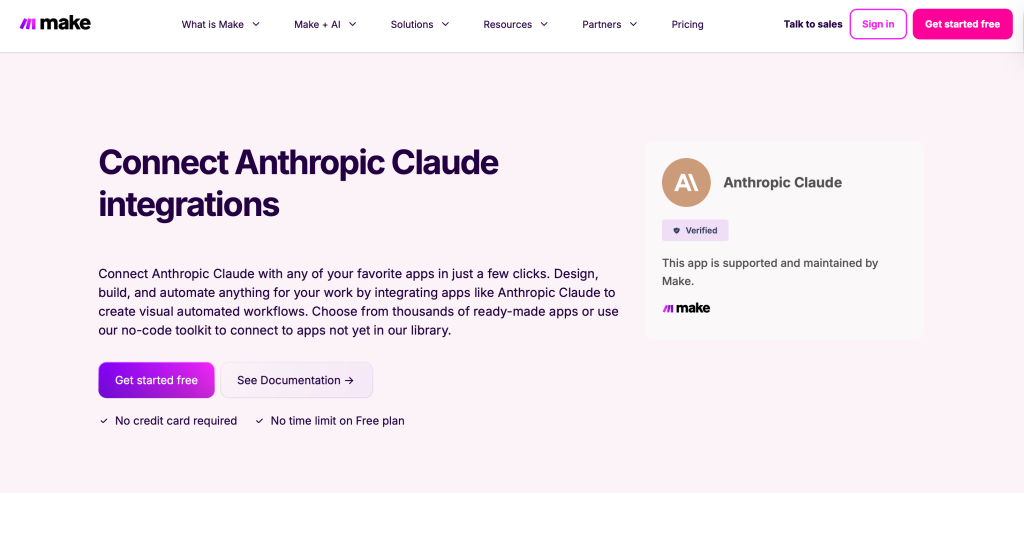
Make is built for teams that have outgrown simple trigger-based automation and need more control over how data moves between systems. Its visual workflow builder lets you map out complex, multi-step processes (conditional logic, data transformations, parallel branches) and connect them to Claude for AI-assisted processing at any point in the chain.
Key features:
- Visual workflow builder
- Multi-system automation scenarios
- AI orchestration support
- Data transformation workflows
- Real-time operational automations
- API and integration support
Best-match audience: Operations specialists, automation-heavy teams, and businesses managing complex workflow infrastructure.
Pricing info: Free plan available. Paid plans scale based on operations volume and automation complexity.
Compliance & Governance Connectors
As AI adoption grows, many businesses need better governance, retention, and compliance visibility across connected systems.
Jatheon

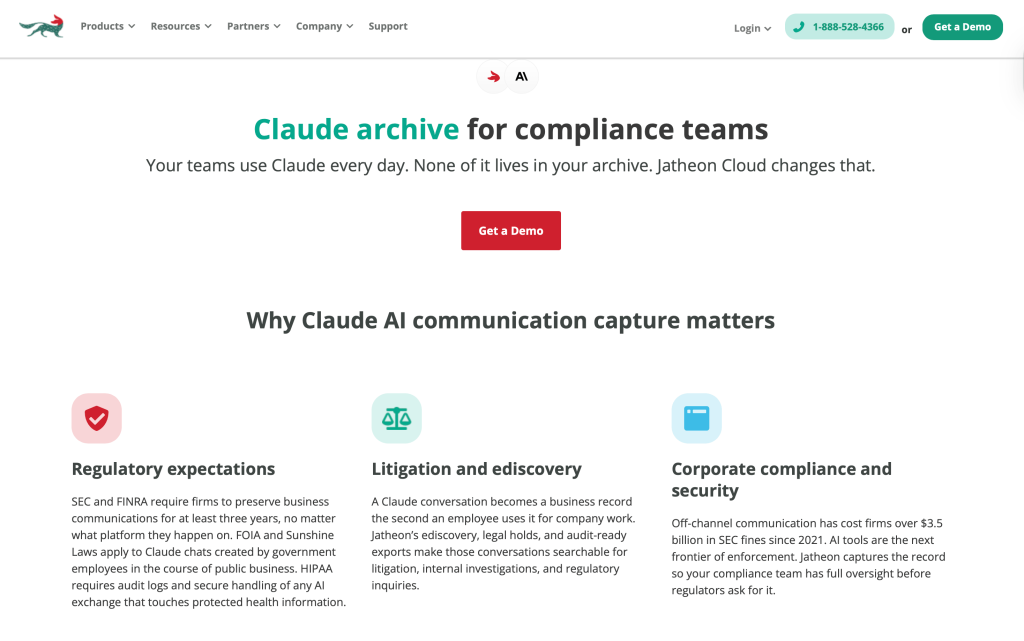
Jatheon focuses on compliance archiving, communication retention, and governed data access for AI workflows. Jatheon’s Claude connector captures every exchange, including user messages, AI responses, attachments, and deleted conversations, and brings them into Jatheon’s archive alongside email, social, and other communications. Built for organizations operating under SEC, FINRA, FOIA, or HIPAA requirements, where AI tool usage is increasingly subject to the same retention rules as traditional business communications.
Key features:
- Communication and AI conversation archiving
- Legal hold and retention policies
- Enterprise governance controls
- Advanced search and ediscovery
- AI-assisted archive review
- Full audit logging
Best-match audience: Financial services firms, government agencies, healthcare organizations, legal teams, and enterprises where AI communication falls under regulatory retention requirements.
Pricing info: Custom enterprise pricing based on retention requirements and deployment scale.
Comparison Table of Best Claude AI Connectors
| Tool | Best for | Key feature |
| Coupler.io | AI-ready reporting and analytics workflows | Automated data pipelines for Claude |
| Hex | Collaborative analytics teams | AI-powered notebook workflows |
| Google Drive | Workspace document access | Real-time Docs and Sheets retrieval |
| Gmail | Email productivity workflows | AI-powered inbox and thread analysis |
| Microsoft 365 | Enterprise collaboration | Connected Outlook, Teams, and SharePoint workflows |
| Box MCP integration | Enterprise document management | Secure MCP-powered content access |
| Slite | AI-powered internal knowledge management | Claude-connected workspace documentation and MCP workflows |
| Slack | Team communication | Searchable AI-powered channel summaries |
| Fellow | Meeting management and collaboration | AI-powered meeting summaries and action tracking |
| Fathom | Meeting transcription and CRM sync | AI summaries with automatic CRM integration |
| Linear | Product and engineering workflows | AI issue and sprint analysis |
| ClickUp | Centralized productivity workflows | AI-powered task and documentation support |
| Asana | Cross-functional project management | AI-assisted planning and coordination |
| HubSpot | CRM and customer intelligence | Pipeline and deal analysis |
| Stripe | Financial operations and subscriptions | Revenue and payment analysis |
| Zapier | Workflow automation | AI-powered no-code automations |
| Make | Advanced operational workflows | Visual AI orchestration |
| Jatheon | Compliance and archiving workflows | Governed AI access to archived communications |
How to Use Claude Connectors Effectively
The biggest mistake teams make is connecting tools without designing workflows around them.
The goal is not simply to “plug AI into everything.” It’s to reduce operational friction and improve decision-making.
Here’s what works best in practice.
Start with one high-friction workflow — weekly reporting, meeting summaries, sprint reviews, or sales pipeline analysis. Marketing teams can also explore specific Claude skills for marketing workflows. Automating a single repetitive workflow usually delivers value faster than trying to rebuild everything at once.
Centralize your most important data sources — Claude becomes more useful when your analytics, documentation, and operational systems are connected consistently, which cuts down on duplicated work, missing context, and manual exports.
Combine structured and unstructured data — one of Claude’s biggest strengths is working across multiple formats simultaneously. Mixing dashboards, tickets, documents, meeting transcripts, and CRM data creates richer context for analysis and decision-making.
Keep governance in mind — as AI adoption grows, teams increasingly need permission-aware access, auditability, and compliance controls. Enterprise AI workflows require more than convenience. They also require operational trust.
Final Thoughts
Claude is becoming increasingly useful for business operations, analytics, collaboration, and knowledge management. But AI without connected business context still creates limitations.
That’s why Claude connectors matter.
The best connectors reduce manual work, centralize information, and make it easier to turn fragmented business data into usable operational insights.
Some teams will focus on reporting automation. Others will prioritize meetings, documentation, compliance, customer intelligence, or workflow orchestration.
The most successful organizations are not necessarily the ones adopting the most AI tools. They are the ones building systems where AI can access the right information, at the right time, with the least amount of friction in between.