We’re excited to announce that Coupler.io is now available as an app in ChatGPT, accessible on both web and desktop.
This release marks an important milestone in how you can work with your business data using AI. Coupler.io makes it easier to connect, explore, and analyze live data directly inside ChatGPT.
On December 17, 2025, OpenAI has renamed Connectors to Apps. The term App now includes both apps that feature interactive UI and connectors that help you search and reference your information in ChatGPT.
From a custom GPT to a ChatGPT App
The initial ChatGPT integration by Coupler.io was based on a custom GPT created by our team. It offered a fast, out-of-the-box way to analyze data and worked well for many common use cases.

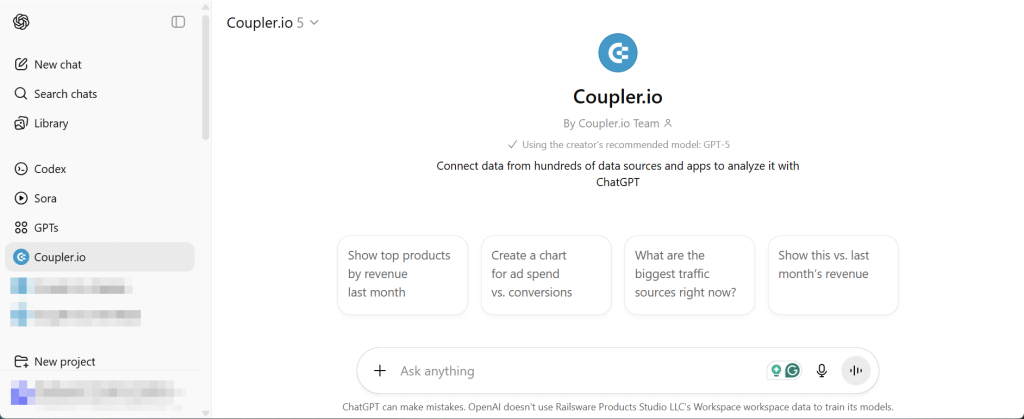
With this update, Coupler.io is now available as a full ChatGPT app that allows you to:
- Connect business data from over 400 sources to ChatGPT
- Ask questions and analyze trends using natural language
- Work with always up-to-date data, without manual exports
- Use the app seamlessly across ChatGPT web and desktop

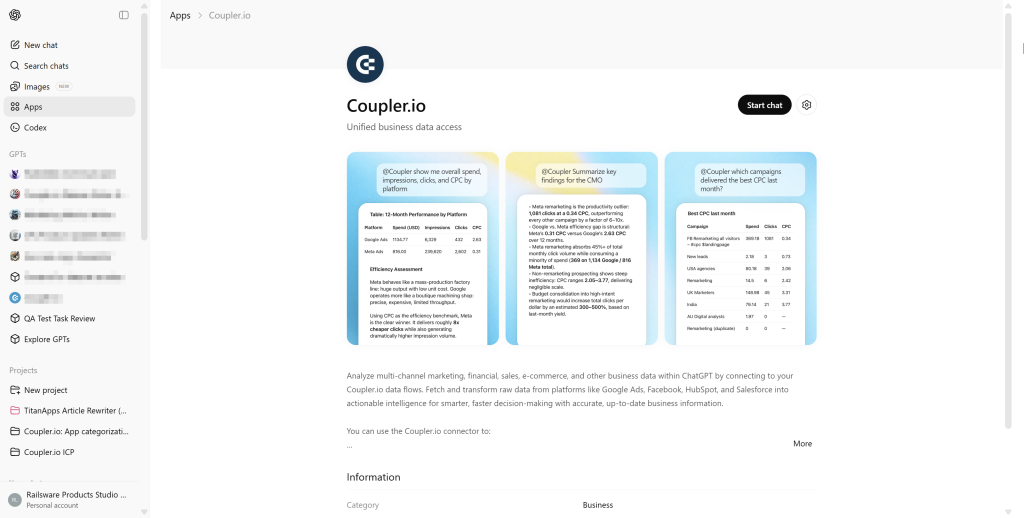
What’s the difference between custom GPT and Coupler.io App
The release of the Coupler.io App for ChatGPT does not mean that our custom GPT is obsolete. Both ChatGPT integration options are available and require minimal setup, but they serve slightly different needs.
| Custom GPT by Coupler.io | Coupler.io App for ChatGPT |
|---|---|
| – Has predefined system instructions – Is optimized for common use cases | – Offers greater flexibility and control – Provides the ability to add custom projects, prompts, and workflows – Supports the usage of multiple apps enabled in ChatGPT |
In short:
- Custom GPT offers simplicity and ease of use
- Coupler.io App provides flexibility, control, and advanced workflows
How to get started with the Coupler.io App in ChatGPT
You can open this direct link to the Coupler.io page in ChatGPT Apps. Click Connect and authorize ChatGPT to access your Coupler.io organization.

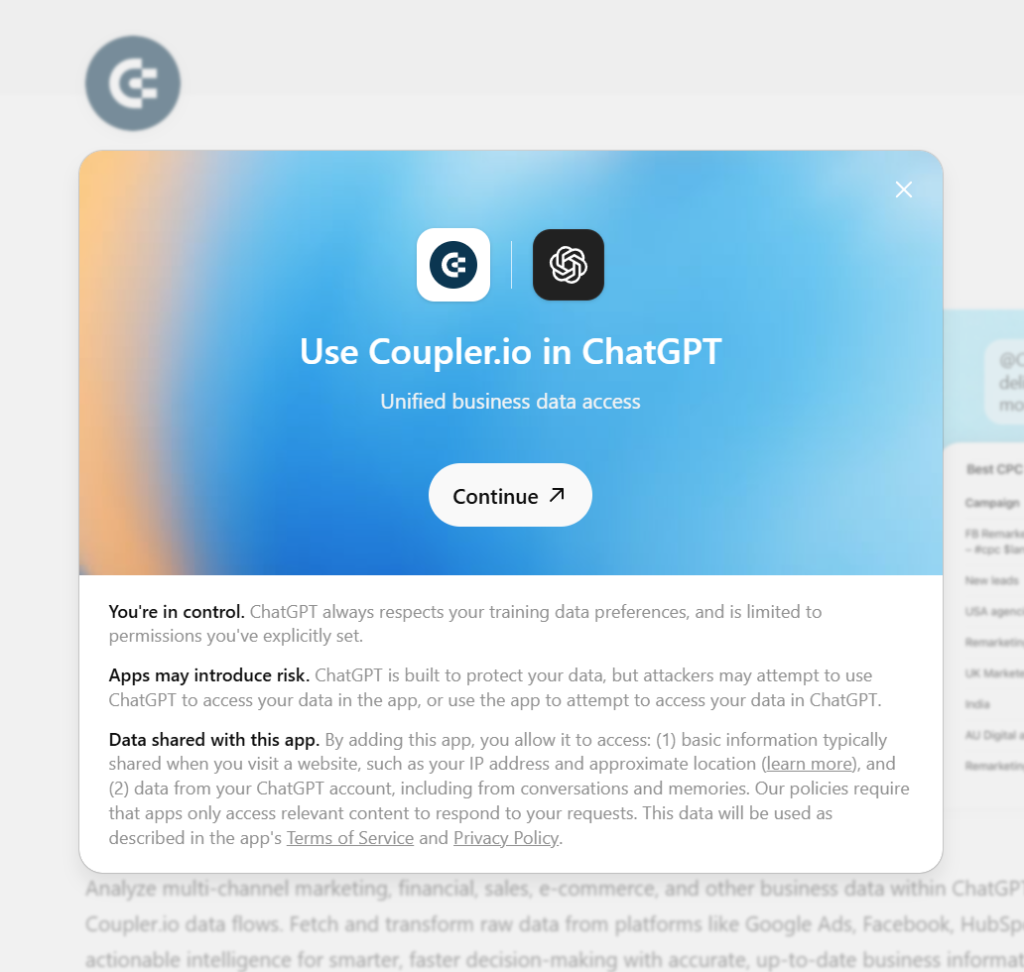
Alternatively, you can do it directly from the ChatGPT app directory. Enter Coupler.io in the search bar and select it. Then connect and authorize as described above.

Once the Coupler.io App is enabled, connect your business data to ChatGPT and start chatting with it right away.

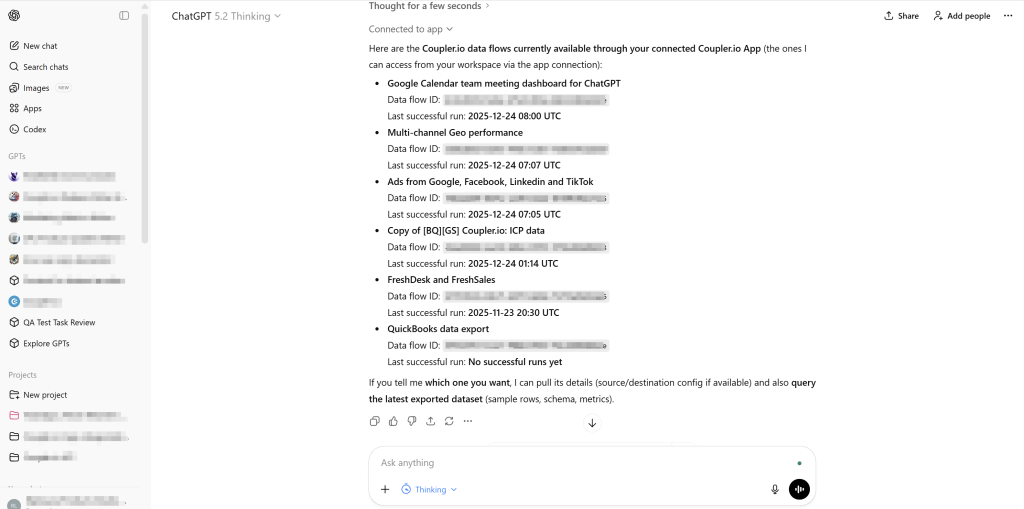
Feel free to check out our article about how to use ChatGPT for data analysis with real conversation examples.
Connect your data. Ask your questions. Get instant answers.
Try Coupler.io for free