If you run paid media, Facebook Ads is only half the story. The real question is how it’s doing next to Google, TikTok, and everything else you spend on. That answer usually means merging exports by hand every week. With Coupler.io, you just ask for the whole report instead. Connect it to your AI tool once, describe what you want, and get a trustworthy report with accurate numbers.

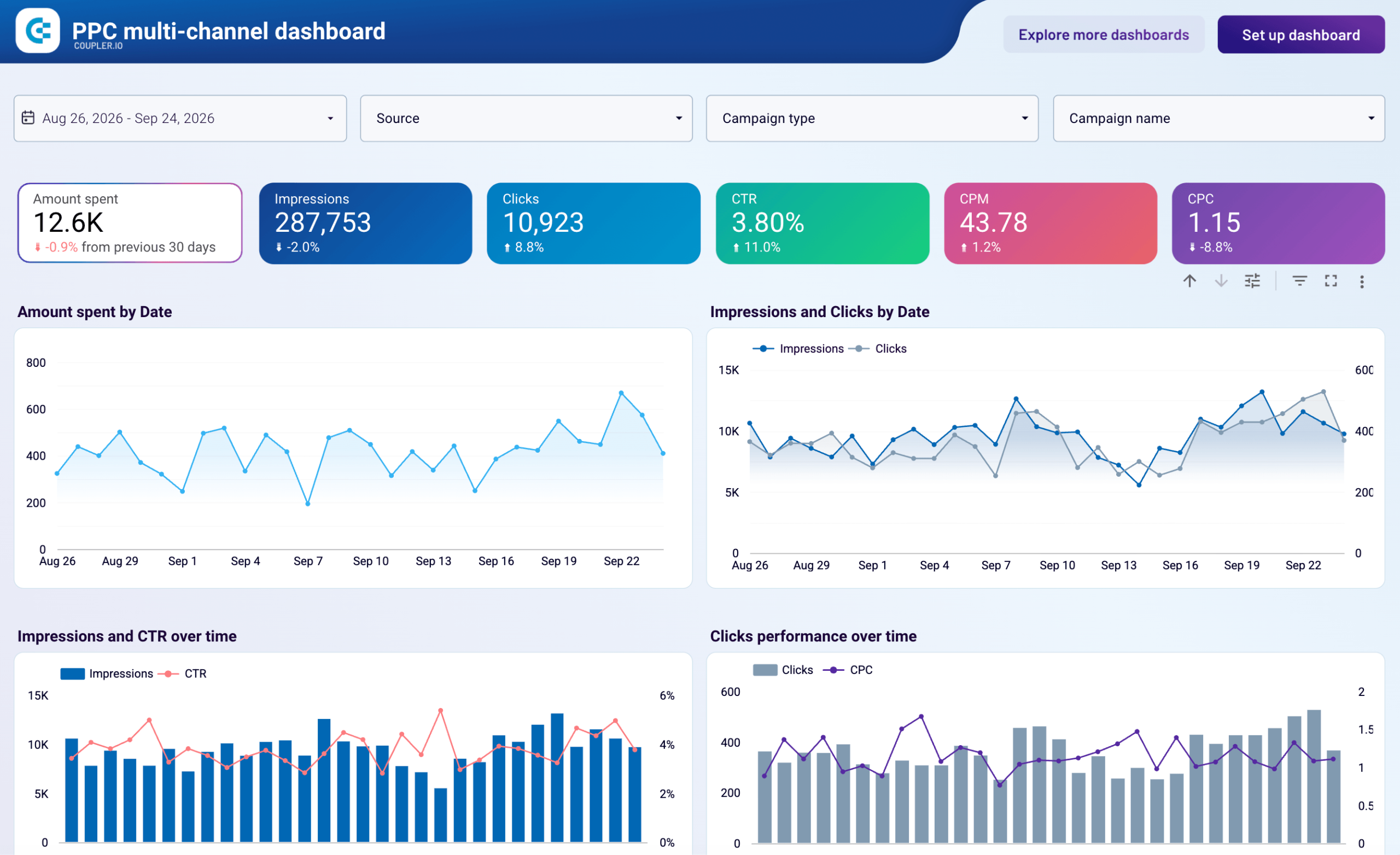
Step 1: Ask for the report you want in one sentence
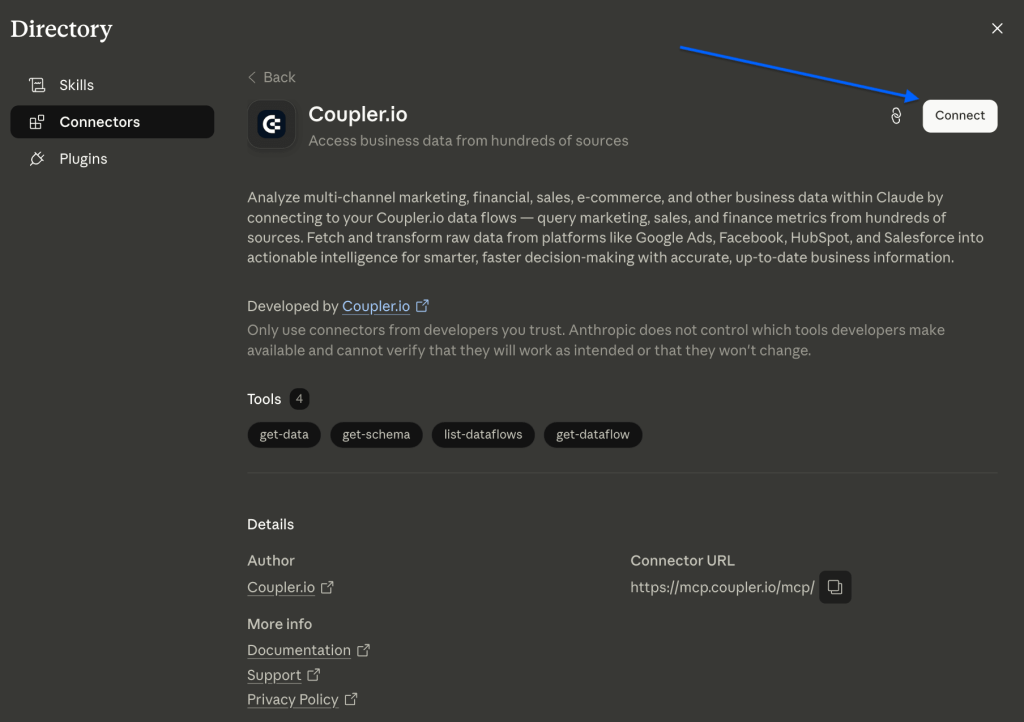
There are 2 ways to ask AI to build an accurate report with verified numbers. Sign up for a free Coupler.io account and do one of the following:
- In the AI tool you’re using, add the Coupler.io connector to keep the conversation in your preferred LLM.

2. In Coupler.io, go straight to the AI Agent chat.
Describe the report, for example: “Combine my Facebook Ads, Google Ads, and TikTok Ads into one report with spend and ROAS per channel.” Coupler AI pulls each platform, lines them up in the same columns, and adds the metrics you name. You get a single cross-channel view without touching a spreadsheet or a settings menu.

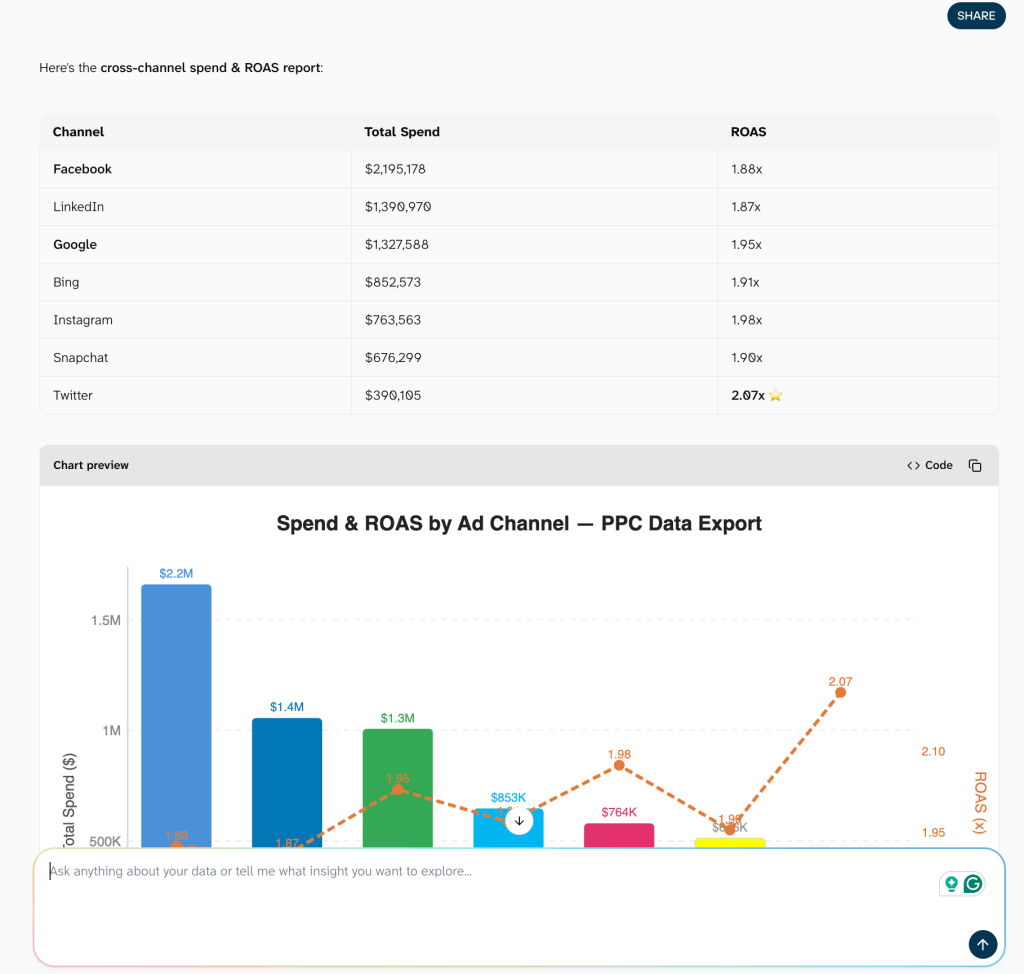
The one thing you do yourself is approve each ad account the first time, since you authorize the connection for security. After that, the AI handles the build and checks with you before any change.
| Why not plug Facebook Ads straight into your AI tool? Because pasted numbers go stale and get miscounted. An export is a static snapshot the model reads as text, so it can drop rows or fumble the math. Coupler.io feeds it structured data that refreshes on a schedule, and its Analytical Engine runs the actual calculations. So the ROAS you hand a client is computed from live figures. |


Build cross-channel reporting for every client account
Try for freeStep 2: Get it everywhere, kept up-to-date on its own
Want it shared? Ask for that too: “Send this to Google Sheets and Data Studio, refreshed daily.” Your cross-channel report then lands in the tools your team already opens and stays up to date on its own.

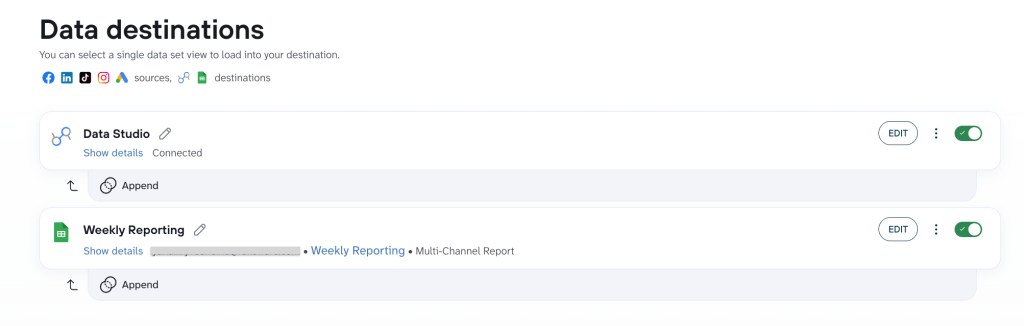
Next client or next channel is just one more sentence in the chat.
Get a custom paid media report built for your team
Book a demo