Every Facebook Ads report starts the same way: open Ads Manager, adjust columns, check attribution, export. With Coupler.io connected to your AI tool, one message gets you a spend, ROAS, and conversions dashboard that refreshes on a schedule. Let’s set it up.
| Need a visual dashboard asap? Grab the prebuilt Facebook Ads dashboard template with spend, ROAS, and conversions already laid out. Set it up once, and next Monday your Facebook Ads numbers are already waiting for you. |
Step 1: Connect Coupler.io to your AI tool once
Sign up for Coupler.io, and the 7-day free trial gives you full access.
In Claude or ChatGPT, add the Coupler.io connector and authorize your account.

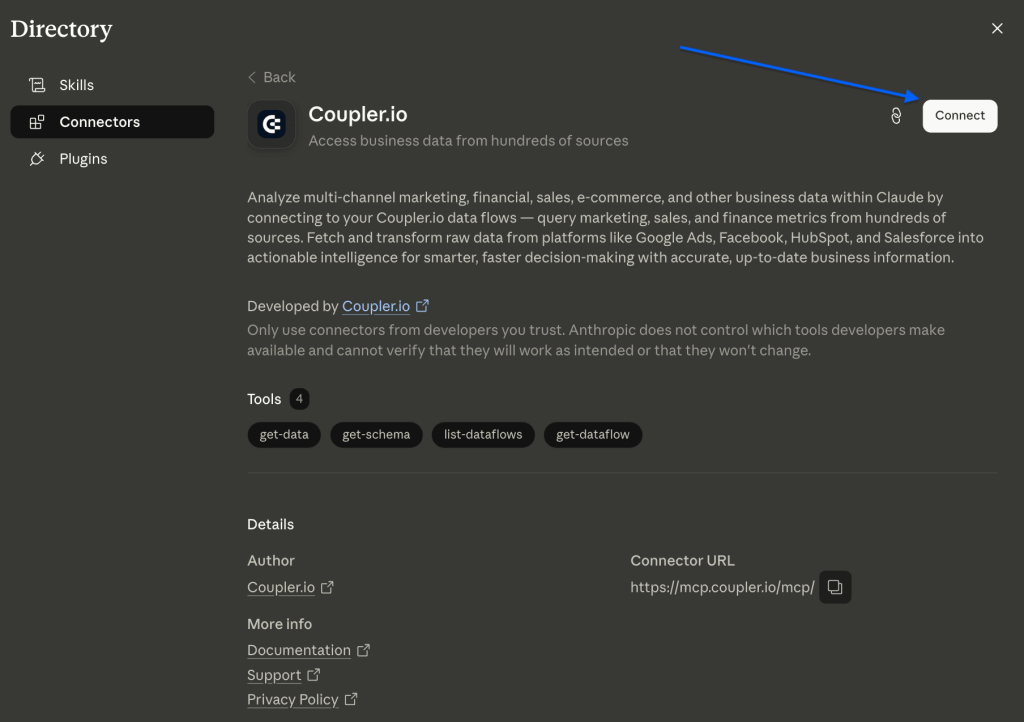
You only do this once. From then on, any chat can pull your Facebook Ads data and build data flows for you.


Link Coupler.io to AI once, analyze any data
Try for freeStep 2: Describe your dashboard and let AI build the data flow
Open a new chat and say what you want to see. For example:
“Pull my Facebook Ads campaign data for the last 90 days with spend, impressions, clicks, purchases, and purchase ROAS. Add cost per purchase, then build a dashboard showing spend vs. ROAS by campaign and daily conversions.”
The AI first checks whether your Facebook Ads account is already connected. If it isn’t, it gives you a link to authorize the account yourself.
Then, the AI creates the data flow and pulls all the data you indicated straight from Facebook Ads. In Claude, the dashboard comes back as an artifact with the charts and tables you asked for, and you can save and share it.

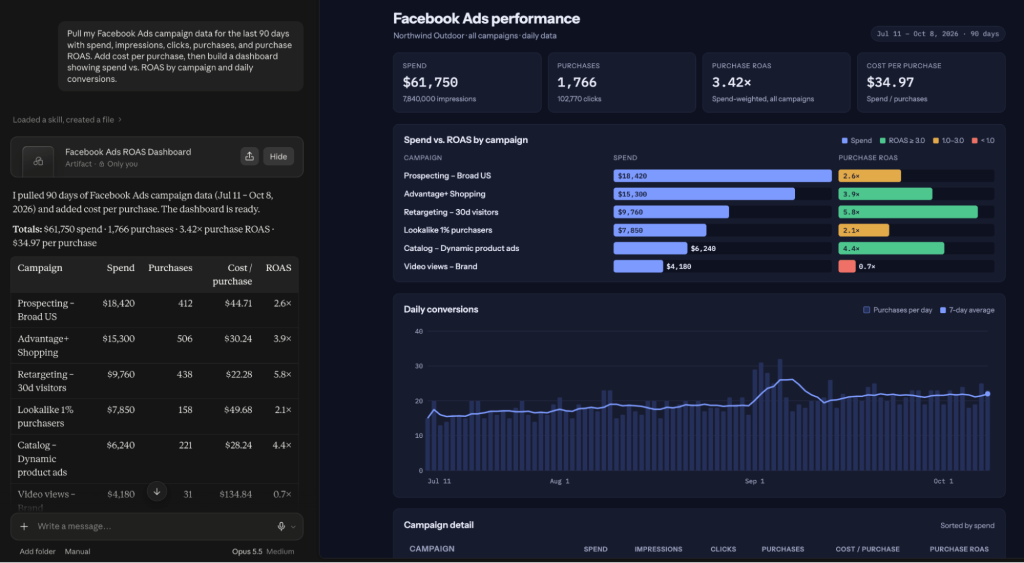
The same data answers follow-up questions too. Ask something like “Which campaigns spent over $1,000 this month with ROAS under 2?”, and the AI queries the data you already have, so there’s nothing to rebuild.
Turn your Facebook Ads data into a dashboard with one message
Get started for free| Why not plug Facebook Ads straight into your AI tool?A pasted export is a static snapshot, and the model has to do the math itself while it reads the text. With Coupler.io, the AI turns your question into a query, and the Analytical Engine runs it and calculates the results. Your ROAS and spend figures are computed from your latest synced data, so they’re ready to go to a client or your team. |
Step 3: Keep the dashboard up-to-date where your team works
Tell the AI: “Send this data to Google Sheets and refresh it daily.” It adds the destination and applies the schedule.

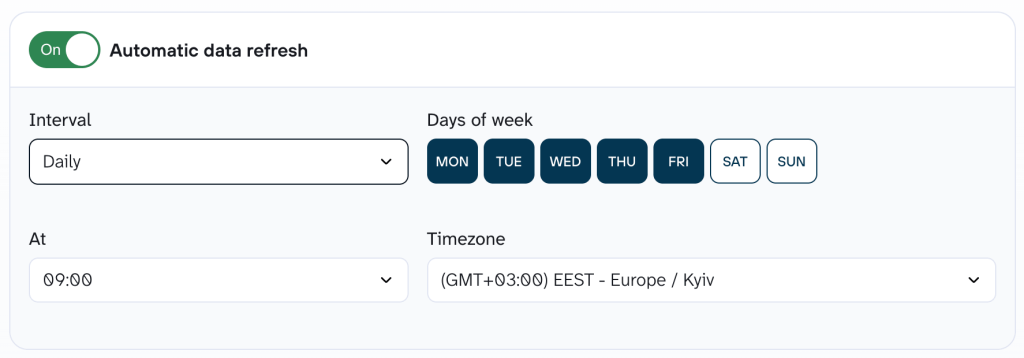
You can send the same data to more than one destination, like Data Studio for the team and Sheets for finance. Daily refresh starts on the Starter plan, and multiple destinations start on Active. The 7-day free trial gives you full access to both.

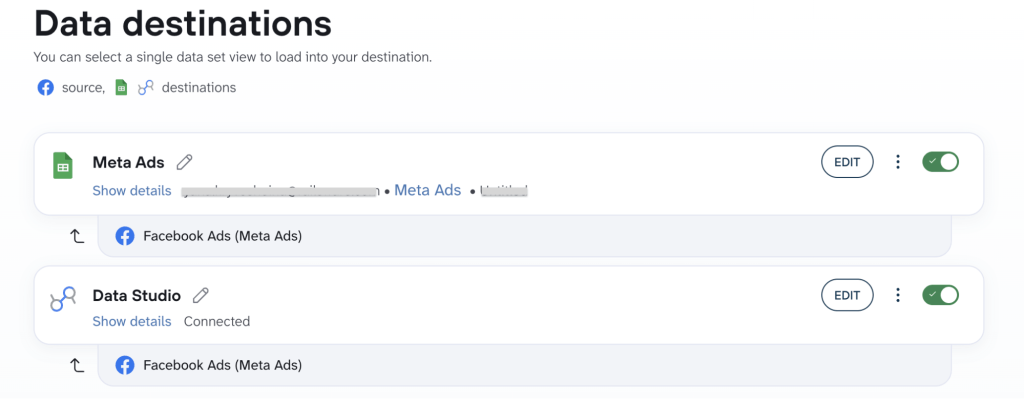
That’s all! You get your self-updating Google Ads report in the tools you need.
Prefer to set it all up yourself? Build the Facebook Ads data flow manually in Coupler.io and choose your columns, filters, and destination step by step.