ROAS decides where your budget goes, so it has to be up to date whenever you check. But why rebuild it by hand in a spreadsheet every week? Coupler.io calculates it once and keeps it live, so ten minutes from now you’ll have a ROAS report that updates itself. Let’s set it up.
Step 1: Connect your Facebook Ads account
The quickest way in is Coupler.io’s built-in AI Agent, which works right on your data with nothing extra to set up. Create a free Coupler.io account, open the AI Agent, and ask for the ROAS report you want.

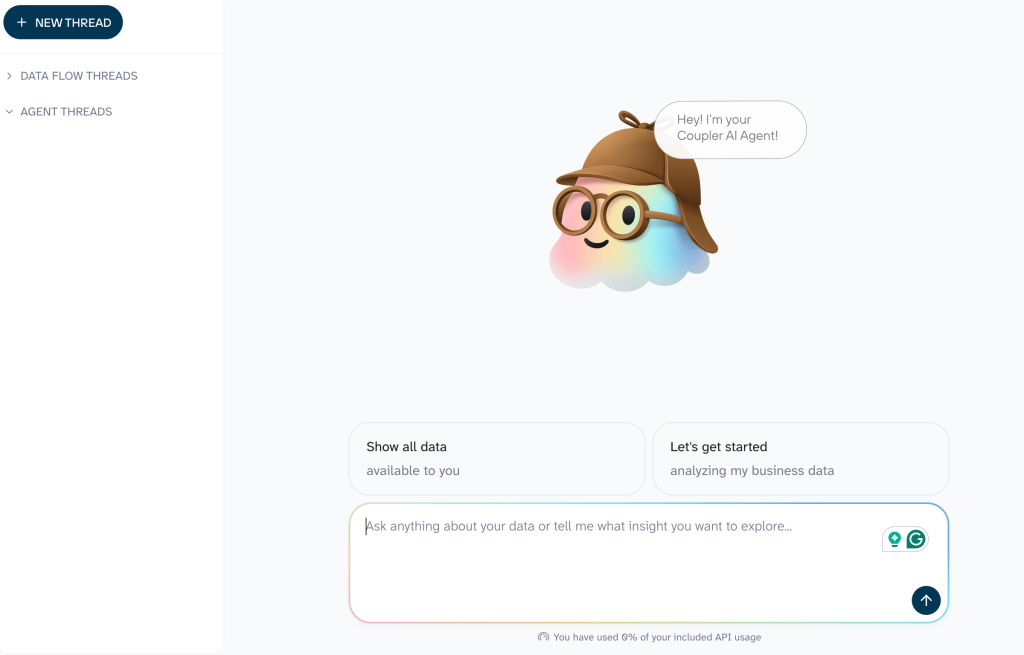
Prefer to stay in the AI tool you already use? Link Coupler.io to Claude or ChatGPT (or to another LLM) on the AI’s Connectors page, and ask there through the same account.

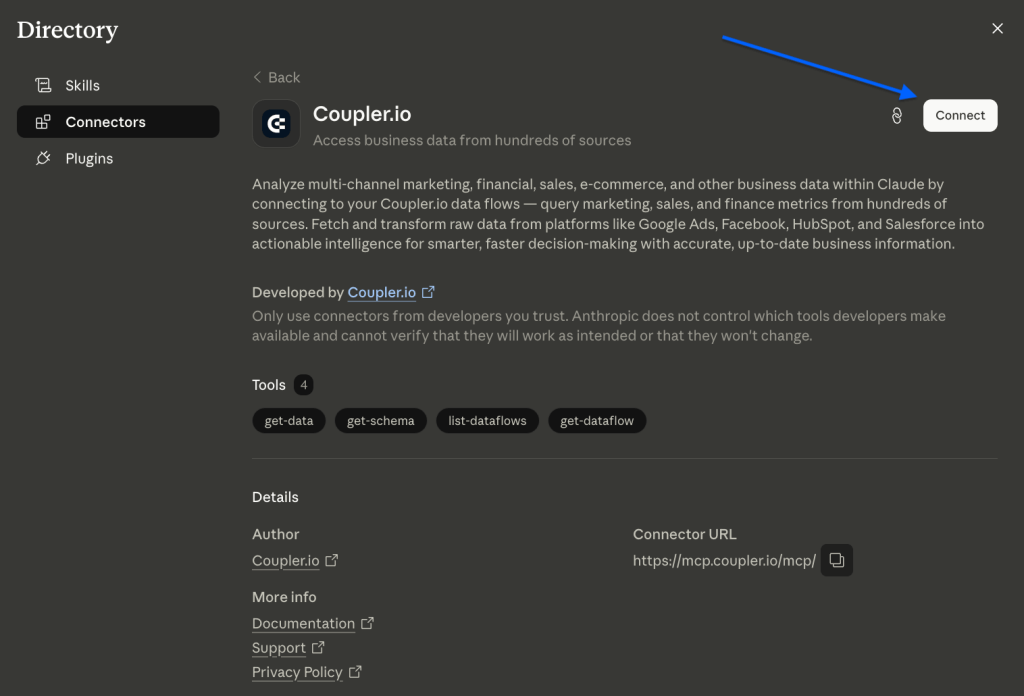
Either way, the connection is read-only, so your AI reads campaign data without changing anything in your ad account.
Step 2: Describe the ROAS report you want
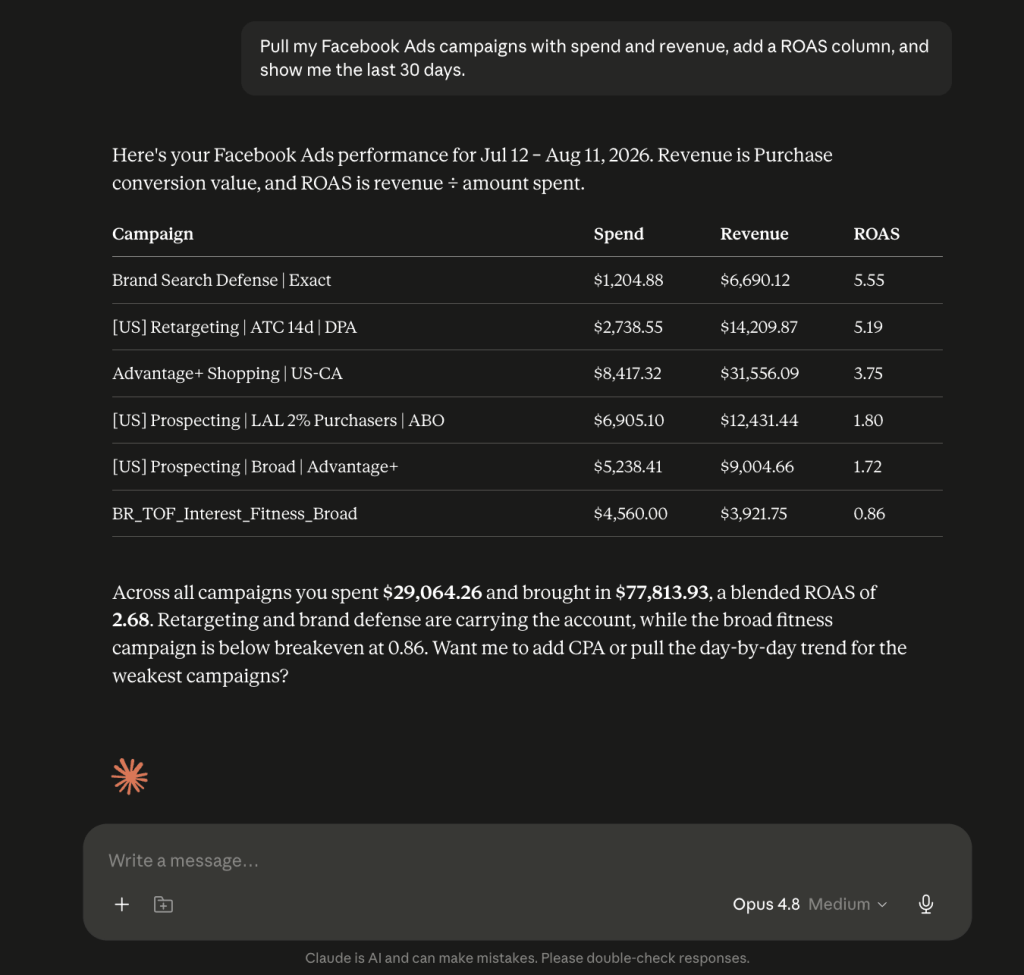
In the chat, describe what you want: “Pull my Facebook Ads campaigns with spend and revenue, add a ROAS column, and show me the last 30 days.” Coupler.io sets up the data flow you outline. The first time, it’ll ask you to authorize your Facebook Ads account; for security, that step is yours to confirm, so you always stay in control of what gets connected.
Behind that one request, Coupler.io pulls the columns that matter (Campaign name, Amount spent, Purchases, and Purchase conversion value) and adds two calculated ones:
- ROAS = Purchase conversion value ÷ Amount spent
- CPA = Amount spent ÷ Purchases (handy if you watch cost per result)

Step 3: Keep asking, the data stays fresh
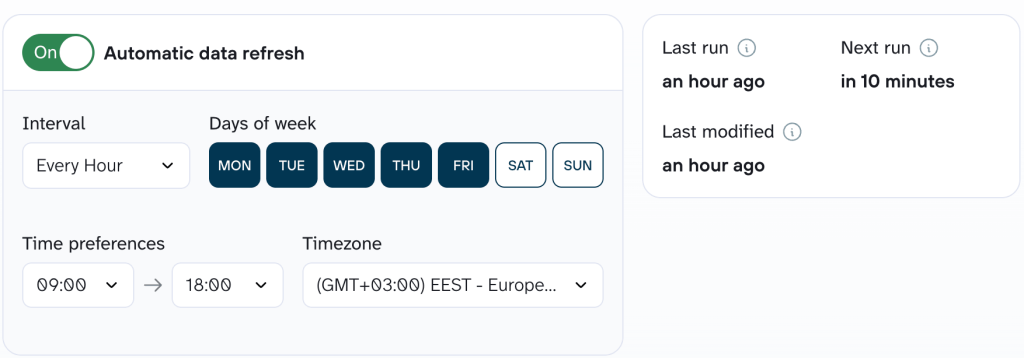
Tell Coupler.io how often to pull fresh data, and the report updates on its own (the ROAS you check Monday already reflects the weekend, no manual re-run).

Want it outside the chat? Ask Coupler.io to send the same report to the Google Sheet, dashboard, or reporting tool your team already opens. For example, here’s what it looks like in Google Sheets:

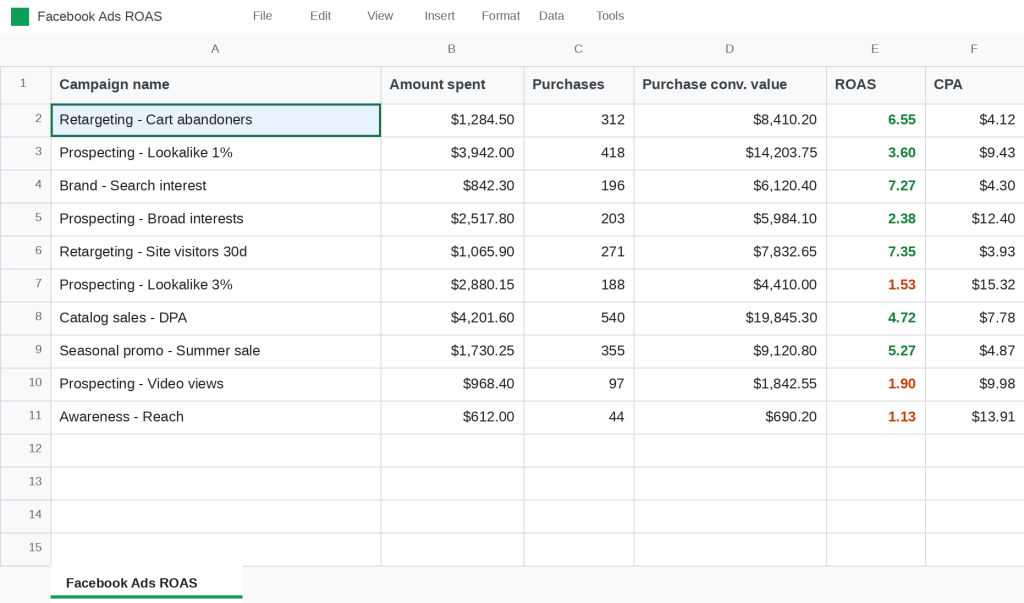
That’s it. Your ROAS stays up to date everywhere you send it, so whenever you check, the number’s already right.
Why connect Facebook Ads data to AI
Most weeks you’re asking the same questions in Ads Manager. What’s underperforming. Where to move budget. Whether ROAS is holding up. Putting Facebook Ads into an AI tool means you ask in plain language, get answers against your own numbers, and get on with the day.
That only works if the data behind the AI is set up for it. Coupler.io connects Facebook Ads along with over 400 other sources to AI tools and agents. So, when you want to add Google Ads or Shopify next week, it’s one more line in the chat rather than a new integration to build.
The data comes in structured and ready to query through the available data management features, and refreshes on the schedule you set. You can also add your business context (the ROAS you’re targeting, which events you count as a purchase, etc.), so when you ask what’s underperforming, it’s measured against your goals.
For the checks you run every week anyway, Coupler AI Skills handle them on the same connected data.
- Facebook Ads Budget Pacing watches spend against your target, so overspend or a slow week shows up before Friday.
- Facebook Ads Performance Review takes the same data and gives you a weekly read across the account.


Set your Facebook Ads ROAS tracking on autopilot.
Get started for free