While a standalone LLM can write texts, it cannot check your database, update your CRM, or create a shareable performance dashboard. Building custom API integrations to fix this is expensive and time-consuming: a single integration can take weeks of development, and maintaining dozens of connections across different authentication methods, rate limits, and API changes quickly becomes unsustainable.
LLM data integration tools help teams connect business data to AI by combining scraping, syncing, orchestration, and retrieval into a single workflow.
How to Think About LLM Data Integration
LLM data integration tools have moved beyond simple ETL. Today’s category spans orchestration, vector search, and MCP-based enterprise access — a shift driven by how mainstream AI adoption has become. 72% of enterprises now run at least one AI use case in production, yet readiness hasn’t kept pace: 46% still cite security and compliance as their biggest barrier to AI data integration. Data quality and completeness are an even bigger sticking point.
Integration of business data to an LLM generally requires three layers:
- Data collection — pulling in raw data from the web, APIs, databases, and SaaS tools
- Data pipeline — cleaning, syncing, and routing that data to where it’s needed
- AI connectivity — making the data accessible to the LLM in real time
In practice, that third layer splits into three working categories once you’re choosing tools: orchestration (how agents coordinate), vector/RAG infrastructure (how data becomes retrievable), and MCP/enterprise connectivity (how models reach internal systems). So the three conceptual layers become five practical categories — data collection, data pipeline, orchestration & agent frameworks, vector databases & RAG infrastructure, and MCP & enterprise connectivity — and this article is organized around them.
The Best LLM Data Integration Tools
Here are the data integration tools presented as a stack of categories.
Data Collection & Web Scraping Tools
These tools are for teams that need external or web-based data fed into their AI pipelines. They automate the extraction of structured, unstructured, and semi-structured data from websites, APIs, and online databases using high-speed ISP proxy connections, turning them into clean, usable formats like CSV, JSON, or markdown. These tools are ideal for market research, pricing monitoring, competitor analysis, and building RAG pipelines that require up-to-date information from the web.
| Tool | Best For |
| Apify | Structured web data, scraping at scale, ready-made actors for common sources |
| Firecrawl | Clean web-to-markdown extraction, great for RAG pipelines |
| Jina AI | Lightweight web reader API, fast setup |
Apify

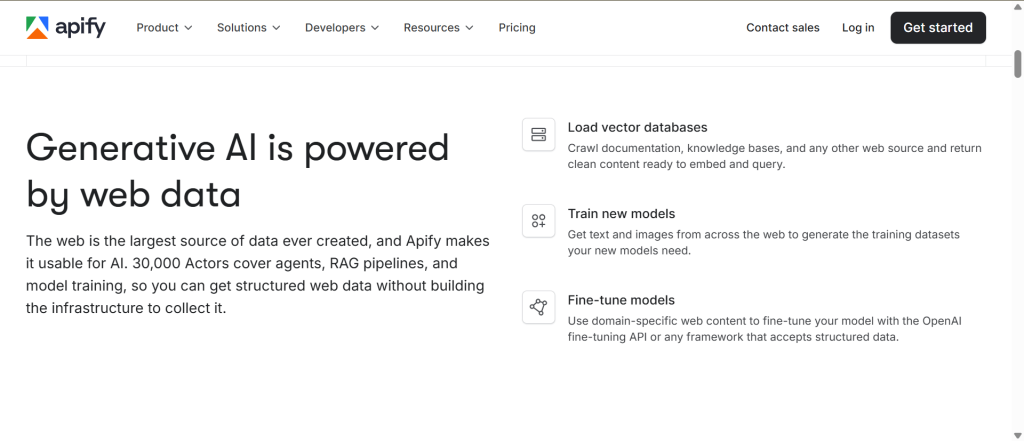
Apify is a platform with a marketplace of over 30,000 ready-made Actors that extract real-time web data and feed it into LLMs and AI agents. It’s best for marketers, researchers, and data teams that need fresh web data without building everything from scratch.
Pricing is freemium, with a free tier and paid usage-based plans depending on compute and scale (Starter $29/ month + pay-as-you-go).
Its standout feature is the large marketplace of ready-made “Actors” for popular sources, which lets you start scraping common sites quickly instead of coding custom crawlers.
Firecrawl

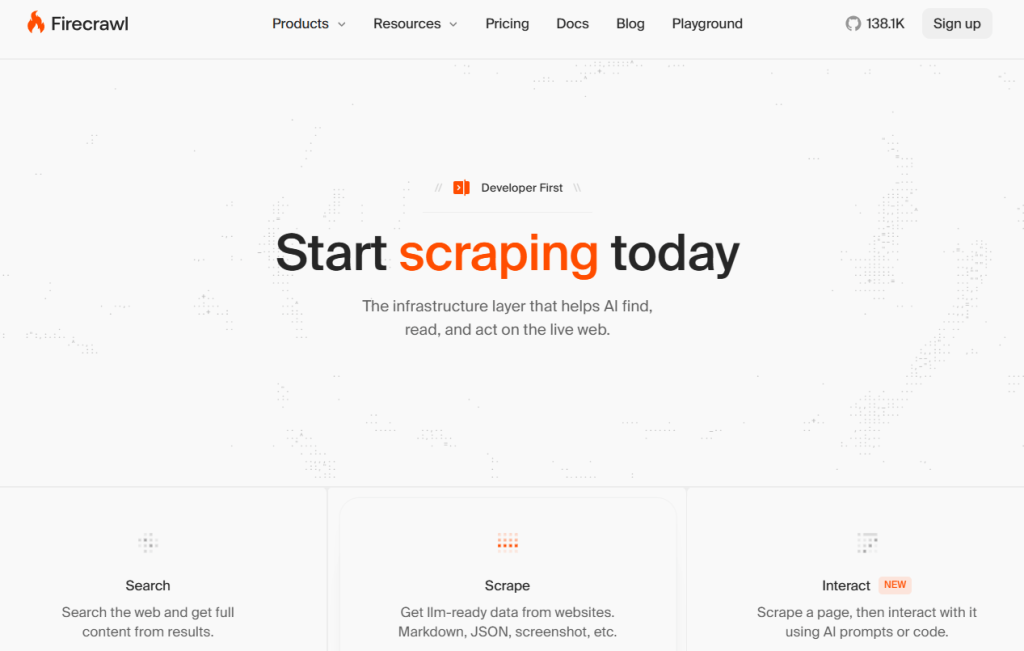
Firecrawl is a web data API that turns websites into LLM-ready markdown or structured JSON. It’s best for developers and AI teams who need reliable web extraction without JavaScript-heavy pages or boilerplate cleanup.
Pricing is freemium/open-source oriented, with API-based usage and self-serve developer access. Paid plans begin at $16/month for Hobby, with higher tiers for heavier scraping volumes.
Its standout feature is the ability to strip a page down to its main content so you get a clean markdown that’s ready for indexing, embedding, or direct prompting.
Jina AI

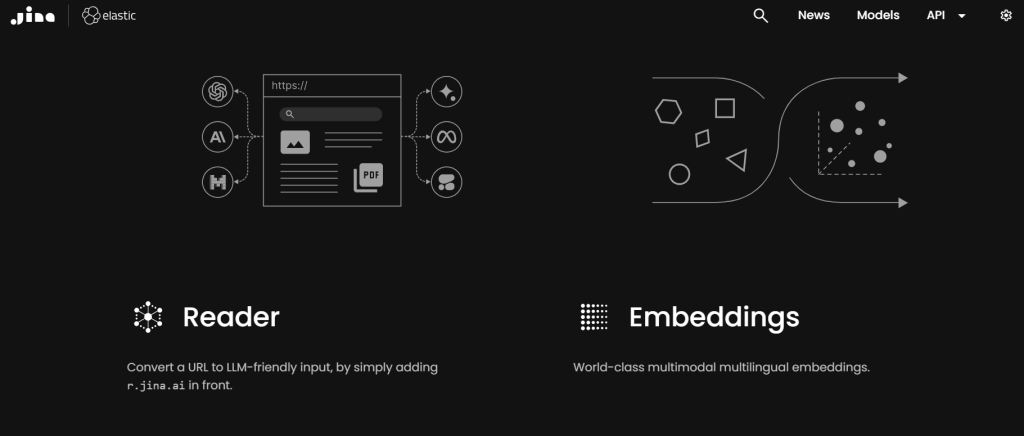
Jina AI is a quick way to pull useful web content into AI workflows without much setup. It works well for teams that need a simple, lightweight reader for search, research, or RAG, and it also offers embeddings for turning content into vectors and a reranker for improving search relevance, which usually improves results for RAG and search workflows.
Pricing starts free, then scales with API use.
Its key strength is fast extraction with minimal cleanup, so teams can get usable text from web pages without a heavy implementation effort.
Data Pipeline & Integration (No-Code) Tools
These integration tools are for business teams that need to move data between SaaS apps, spreadsheets, databases, and AI workflows without writing code. Data pipeline tools handle the syncing, cleaning, and routing so your information stays current.
| Tool | Best For |
| Coupler.io | Automated data pipelines from 60+ sources to spreadsheets, BI tools, and AI — no code required |
| Skyvia | Cloud data sync and ETL across 200+ connectors |
| Airbyte | Open-source ELT, developer-friendly, highly customizable |
Coupler.io

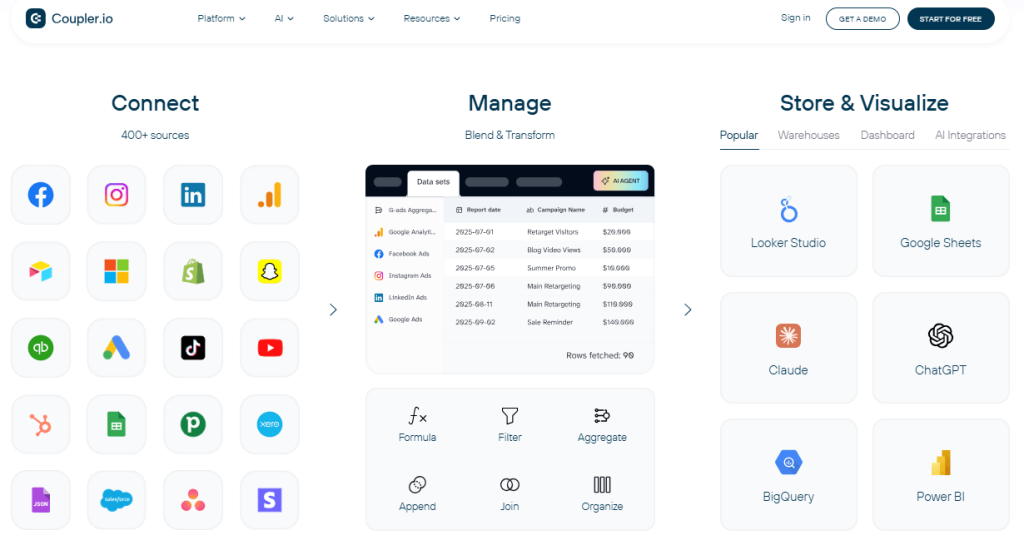
Coupler.io is a no-code data integration platform and AI analytics that helps teams pull data from 400+ business apps into spreadsheets, BI platforms, and AI workflows automatically. It’s best for marketers, analysts, and ops teams that want to connect business data to AI without building custom pipelines. On the AI side, it lets you connect any data source to AI in one step, so one integration feeds ChatGPT, Claude, or Gemini instead of a separate connector per tool. Instead of configuring sources, destinations, and refresh schedules by hand, users can describe the flow they want and ask follow-up questions, and Coupler AI’s agent does the setup and analysis for them.
Pricing begins at $24 per month, with a 25% discount for annual billing. A free plan is also available. Pricing scales based on data volume and automation needs; the second tier includes unlimited data volume and user count.
Its standout feature is fast, scheduled syncing from everyday business tools into reporting and AI-ready destinations without requiring complex configuration.
Skyvia

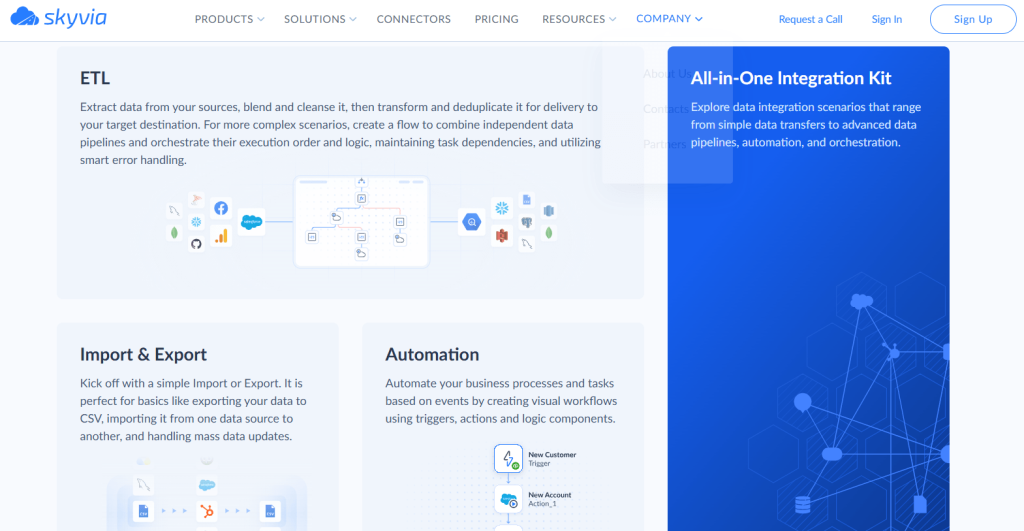
Skyvia is a no-code cloud platform for building an AI data pipeline across SaaS apps, databases, and BI tools. It’s best for teams that need data ingestion, ELT, ETL, and sync workflows without coding, starting with a free plan for small-volume integrations.
Pricing starts at $0/mo for basic integration, $99/mo for Basic data ingestion and ELT, $199/mo for Standard ETL/ELT scenarios, and $499/mo for Professional pipelines with scheduling and unlimited integrations.
Its standout feature is the mix of 200+ connectors and flexible pipeline options in one interface, making it easy to connect business data to AI.
Airbyte
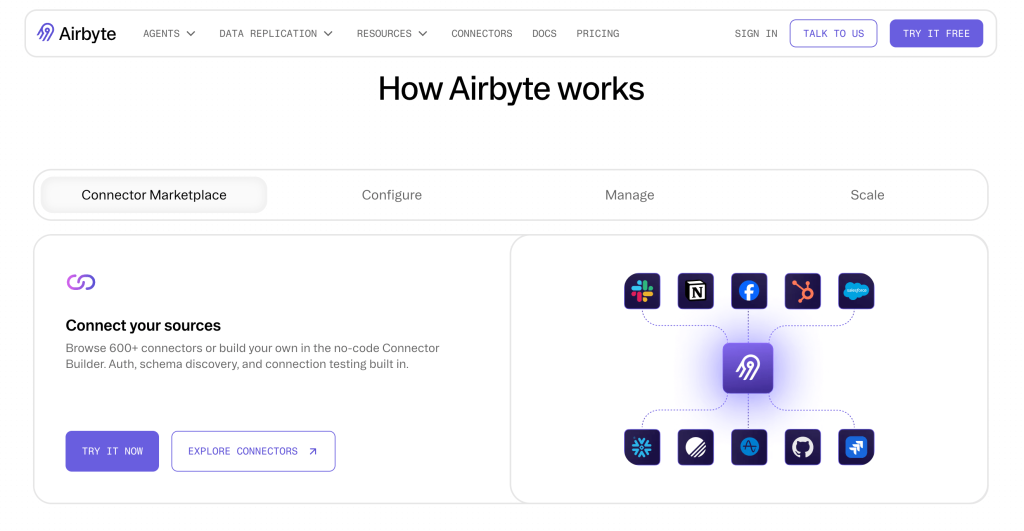
Airbyte is an open-source ELT platform. This tool offers 600+ replication connectors and a Connector Development Kit for building or modifying custom connectors. It is best for developer teams who want extensibility and no vendor lock-in.
Self-hosted is free, while Airbyte Cloud runs on usage-based pricing with volume and Data Worker tiers.
Its standout feature is debuggable CDC behavior within an open-source connector ecosystem, so you can inspect, trace, and troubleshoot how Change Data Capture (CDC) is working inside your data pipeline. It gives teams full control over their pipelines.
Orchestration & Agent Frameworks
These are for developers and technical teams building AI agents that can reason, plan, and execute multi-step workflows. These tools coordinate specialized agents, manage state across tasks, and connect LLMs to external data and APIs. Instead of single-prompt responses, they enable autonomous systems that can research, analyze, and act across your business tools.
| Tool | Best For |
| LangChain | Building custom AI agents, maximum flexibility |
| LlamaIndex | RAG applications, connecting LLMs to documents and data sources |
| CrewAI | Multi-agent workflows, role-based task automation |
LangChain

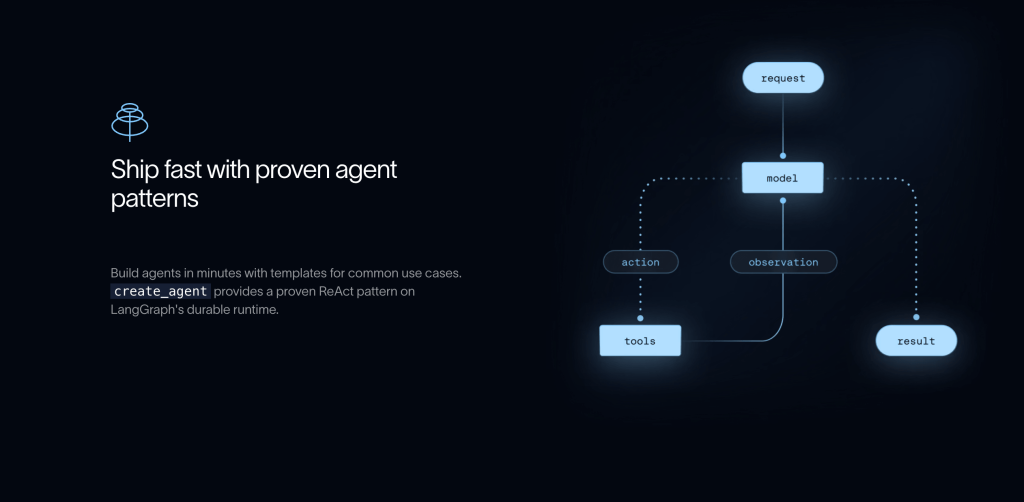
LangChain is an orchestration framework that helps developers build custom AI agents with maximum flexibility. It provides a modular architecture for connecting models to data sources, tools, and memory systems.
You can customize nearly every aspect of how your AI agent works. However, this power comes with complexity. It requires solid Python skills and is best suited to developers building custom AI agents who want maximum control.
LangChain is an MIT-licensed open-source library and is free to use. You have to pay the model providers (like OpenAI, Anthropic, or Google Gemini) for the tokens your app consumes. LangChain does not include model access. You will have 1 free seat with access to LangSmith (LangChain’s commercial product, 5k base traces/month included).
LlamaIndex

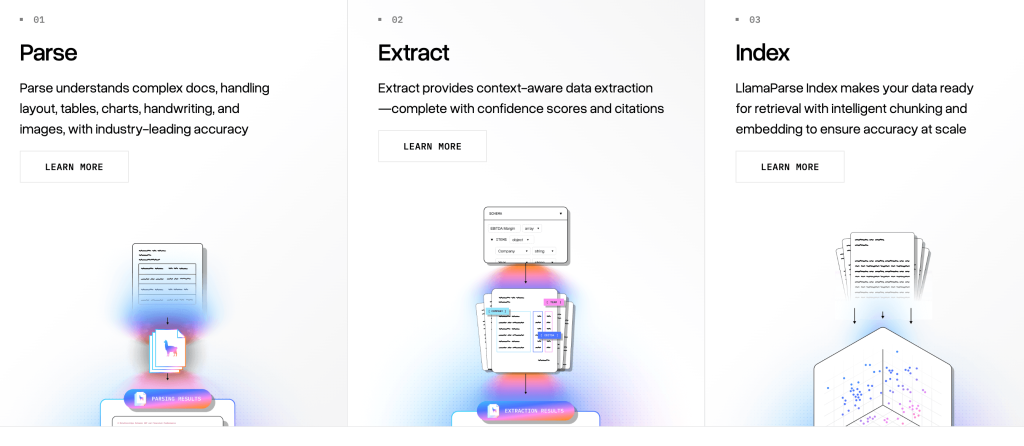
LlamaIndex is an open-source data framework focusing on connecting LLMs to documents and databases for retrieval tasks. While LangChain is a general-purpose orchestration framework, LlamaIndex focuses on the data ingestion and retrieval problem.
It simplifies the indexing and querying process considerably if your primary goal is to build retrieval-augmented generation (RAG) applications. The data connectors and indexing capabilities of the platform are its key strengths.
Every action on the LlamaIndex platform costs a certain number of credits, such as parsing, indexing, and extracting. It costs $1.25 to buy 1,000 credits.
CrewAI

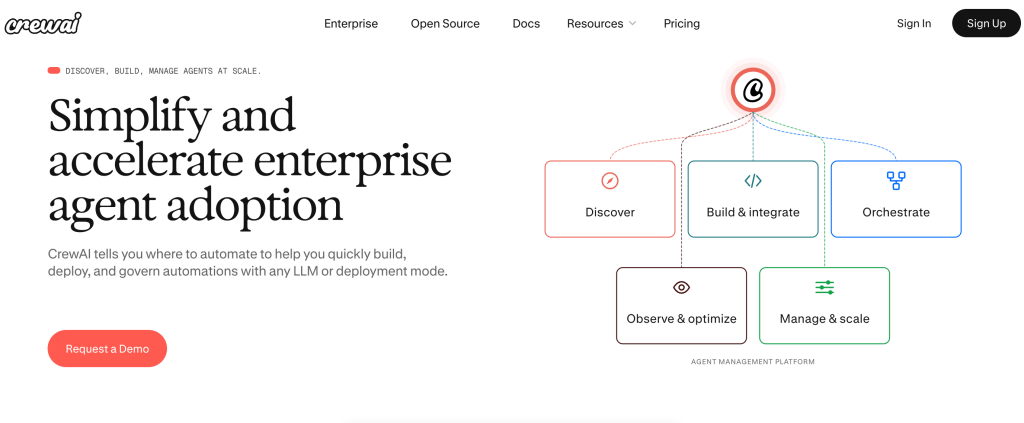
CrewAI is an orchestration framework for building multi-agent workflows where AI agents with defined roles (like researcher, writer, editor) collaborate autonomously. It’s best for technical teams and AI builders who want role-based task automation and structured agent collaboration. CrewAI is open-source with a free tier, while enterprise features like governance and observability support scaling.
Its standout feature is pre-built multi-agent blueprints that auto-detect automation opportunities and compress the time to production.
Vector Databases & RAG Infrastructure
A vector database stores data as numerical vectors, making it easier for machine learning models to find related information and use it for search, recommendations, and text generation. It is built to manage vector embeddings and organize both structured and unstructured data efficiently.
It fits best for teams building retrieval-augmented generation products, semantic search, recommendation systems, or AI assistants that need fast access to relevant context. It is also a strong choice for data teams and developers working with large collections of documents, support tickets, product catalogs, or knowledge bases.
| Tool | Best For |
| Pinecone | Cloud-native vector search, production-scale RAG |
| Qdrant | Open-source alternative, self-hostable |
| Weaviate | Hybrid search (keyword + semantic) |
Pinecone

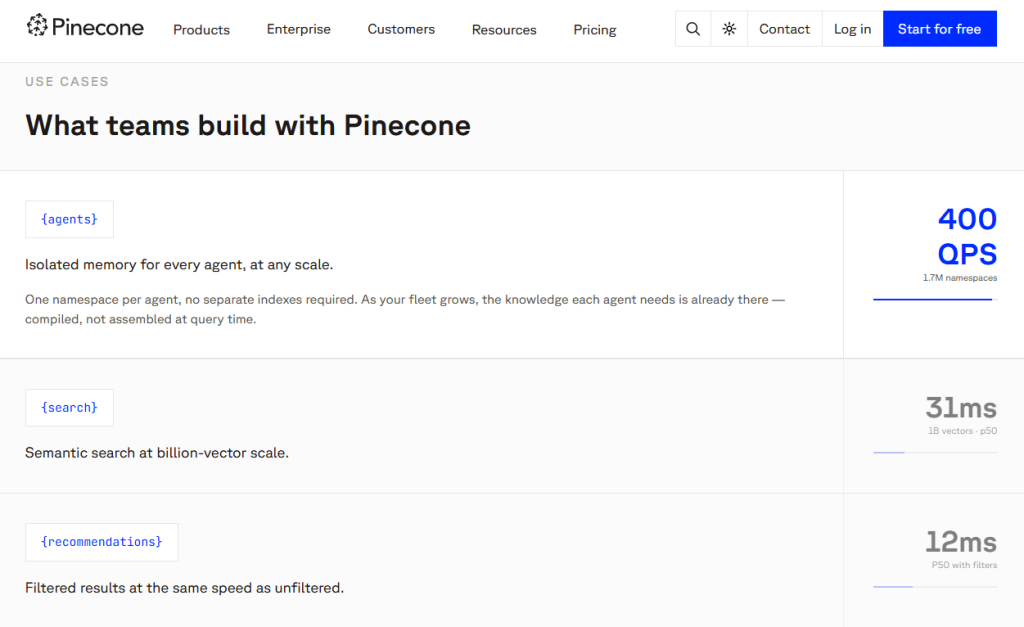
Pinecone is a fully managed, cloud-native vector database that stores and searches embeddings so LLMs can retrieve relevant context for RAG, recommendations, and agent memory. It is best for development teams and AI engineers building production-scale retrieval systems that need low-latency search without managing infrastructure.
Pricing starts with a free tier, with paid plans from around $20/month flat for production workloads.
Its standout feature is automatic indexing and serverless architecture that keeps queries fast even as data grows into billions of items.
Qdrant

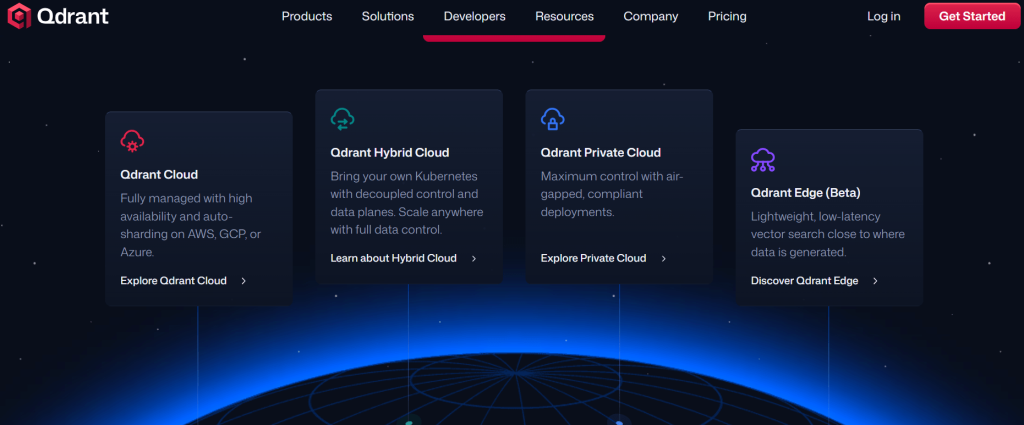
Qdrant is an open-source vector database that combines dense semantic search with sparse keyword search (BM25) to deliver more precise retrieval results. It is best for developers and AI teams that need hybrid search capabilities where both meaning and exact keyword matches matter.
Pricing is free for self-hosted deployments, while Qdrant Cloud offers a free tier with 1GB RAM and 4GB disk storage.
Its standout feature is built-in support for hybrid queries and reciprocal rank fusion, letting teams blend semantic understanding with keyword accuracy in a single search pipeline.
Weaviate

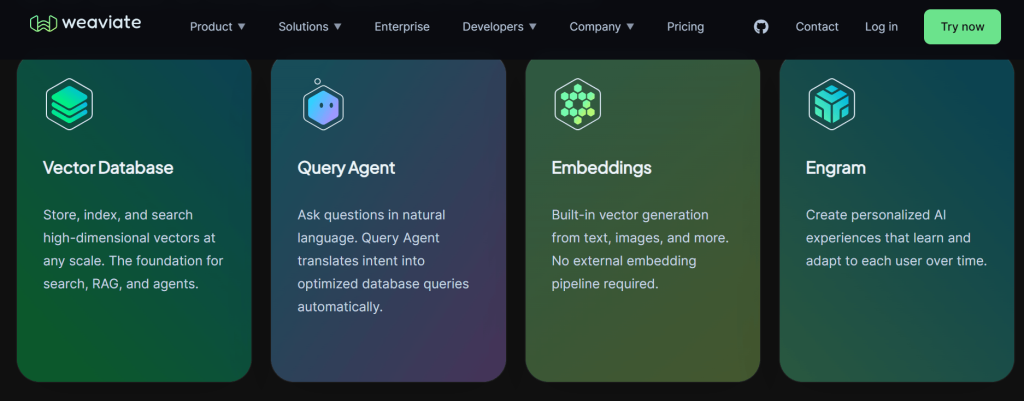
Weaviate is an open-source vector database built for AI applications that need hybrid retrieval, combining semantic vector search with keyword search in one system. It is best for teams building LLM apps where relevance depends on both exact term matching and semantic understanding, such as enterprise search, RAG, and knowledge assistants.
Weaviate offers a free tier with 100,000 objects and 1 GB memory, while paid plans start at $45 per month for pay-as-you-go Flex.
Its standout feature is native hybrid search, which runs vector and BM25 searches in parallel and fuses the results into a single ranked list.
MCP & Enterprise Connectivity
MCP & Enterprise Connectivity tools are designed for large organizations that need to securely connect AI agents to internal systems at scale. They provide governed, real-time access to enterprise data sources like CRMs, ERPs, and databases to act on business data.
| Tool | Best For |
| CData Connect AI | 300+ enterprise connectors via Model Context Protocol |
| MuleSoft | Enterprise integration standard, now with MCP support |
| Stacksync | Two-way CRM/ERP sync with MCP-native AI agents |
CData Connect AI

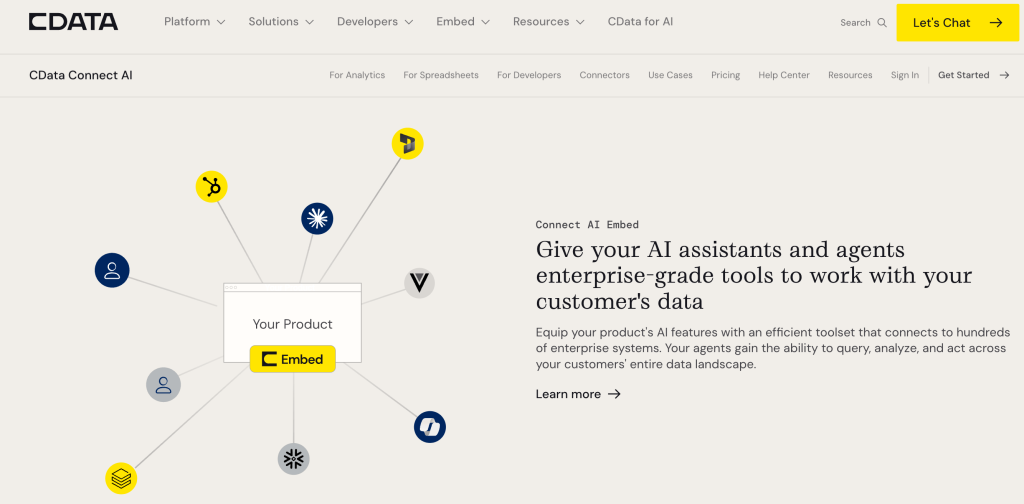
CData Connect AI is a managed MCP server that connects AI agents to 350+ enterprise data sources, including Salesforce, Snowflake, and NetSuite in real time. It is best for enterprises that need governed, secure AI access to live business data without replicating everything into a warehouse.
Pricing is enterprise-focused and custom-quoted, with no free tier.
Its standout feature is semantic analytics that understands metadata and relationships across systems, enabling true multi-source analysis for AI.
MuleSoft

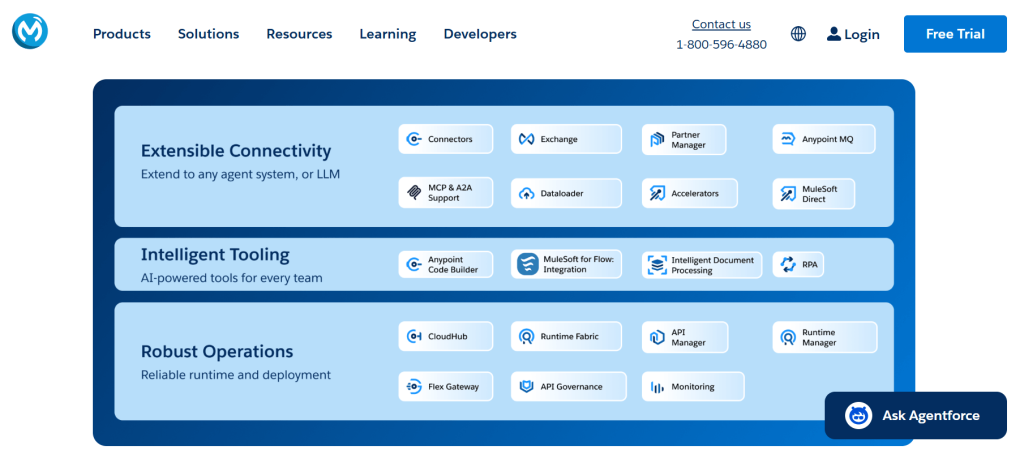
MuleSoft is a unified integration and API platform that helps enterprises connect systems, automate workflows, and expose reusable digital building blocks across the business. It’s best for large organizations, especially IT-led teams and Salesforce-centric enterprises, that need secure, governed integration at scale.
Pricing is custom and enterprise-based, with a free 30-day trial available for MuleSoft Anypoint Platform.
Its standout feature is API-led connectivity, which turns integrations into reusable assets and supports both low-code automation and self-serve enterprise workflows.
Stacksync


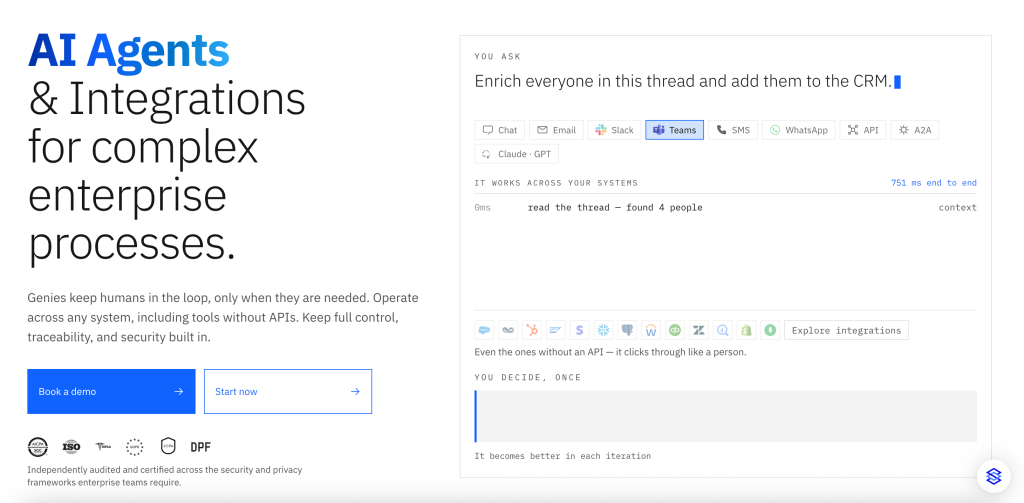
Stacksync is a two-way sync platform that connects AI agents to your live business systems, including Salesforce, NetSuite, Postgres, and 200+ others, even systems without public APIs, so agents can act on real data instead of stale exports. It’s best for enterprise teams that need governed, MCP-native agents that write back to source systems, not just read from them.
Pricing starts at $1,000/month (Starter plan), scaling to custom-quoted Enterprise pricing, with no free tier.
Its standout feature is real-time two-way sync, every action an agent takes writes back to the source system instantly, keeping data consistent across every connected tool instead of drifting stale.
Comparison Table
| Tool | Category | No-Code? | Free Tier? | Best For |
| Coupler.io | Pipeline | ✅ | ✅ | Business teams automating data to AI |
| Apify | Collection | ✅ | ✅ | Web scraping for AI pipelines |
| Firecrawl | Collection | ❌ | ✅ | AI agent web scraping and crawling |
| Jina AI | Collection | ❌ | ✅ | Neural search and clean content extraction |
| Skyvia | Pipeline | ✅ | ✅ | Cloud sync across 200+ apps |
| Airbyte | Pipeline | ⚠️ | ✅ | Dev-friendly open-source ELT |
| LangChain | Orchestration | ❌ | ✅ | Custom AI agent building |
| LlamaIndex | Orchestration | ❌ | ✅ | RAG & document retrieval |
| CrewAI | Orchestration | ❌ | ✅ | Multi-agent workflows |
| Pinecone | Vector DB | ❌ | ✅ | Production-scale RAG |
| Qdrant | Vector DB | ❌ | ✅ | Self-hosted vector search |
| Weaviate | Vector DB | ❌ | ✅ | Hybrid search and AI-native applications |
| CData Connect AI | Enterprise MCP | ✅ | ❌ | 300+ enterprise connectors |
| MuleSoft | Enterprise MCP | ⚠️ | ❌ | Enterprise integration and API management |
| Stacksync | Enterprise MCP | ✅ | ❌ | Two-way CRM/ERP sync with MCP-native AI agents |
How to Pick the Right AI Data Integration Tool for Your Team
Before committing to a tool, assess it against your team’s technical expertise, integration volume, and compliance needs. The real evaluative question isn’t “does it have AI features” but “does it enforce governed execution.”
- Your integration volume and scale. A startup testing a proof-of-concept has very different requirements than an enterprise running thousands of automated actions daily. Google Cloud’s 2025 ROI of AI study found that among enterprises already using AI agents, 39% have deployed more than 10 across their organization — a sign of how fast agent sprawl can outpace a tool’s original design. Match the tool’s capacity to your expected load: how does it perform at 3x your current volume, with the team you actually have, not the team you’re hoping to hire?
- Ease of setup and learning curve. How long does it take to get your first integration working? Some frameworks require deep Python expertise and hours of configuration, while managed no-code platforms can have you connected in minutes.
- No-code options: Coupler.io, Apify, Skyvia, and CData Connect AI are designed for business teams and non-technical users. They offer pre-built connectors and UI-based configuration.
- Developer-first options: LangChain, LlamaIndex, CrewAI, Pinecone, and Qdrant require Python skills and comfort debugging complex systems. Tools like Airbyte are open-source and developer-friendly, but can be configured with less code for simpler pipelines.
- Security and compliance requirements. If you’re in a regulated industry or handling sensitive data, compliance certifications aren’t optional. Verify that the tool meets your organization’s requirements before you start building; migrating later is painful.
- Long-term maintenance. Open-source frameworks like Airbyte, LangChain, LlamaIndex, and CrewAI require your team to handle updates, security patches, and compatibility issues as LLM providers change their APIs. Managed platforms like Coupler.io, Skyvia, and Data Connect AI handle this maintenance for you. Factor in the total cost of ownership, not just the subscription price.
- Pricing and cost transparency. Most platforms charge based on usage (per action or API call), the number of connected apps, or monthly subscription tiers. Watch for hidden costs: some tools charge separately for premium connectors, higher rate limits, or advanced features.
The three commonly underweighted factors — total cost of ownership beyond the subscription price, connector quality over connector count (a 300-connector catalog means nothing if your three critical ones are in beta), and governance gaps that only surface once a tool is running real production workloads.
Use this checklist alongside the comparison table to match tools to your team’s technical skill, data volume, and security needs.
Final thoughts
Some data integration tools require coding expertise, while others offer no-code AI data pipelines with simple interfaces for teams without dedicated developers.
Connecting your business data to AI doesn’t require mastering every layer in this stack at once. Most teams start with one gap — usually data collection or pipeline automation — and add orchestration, vector search, or enterprise connectivity as their AI use cases mature.
The right choice comes down to matching the tool to your team’s technical comfort, data volume, and how far along your AI use case actually is — not the tool with the longest feature list. Use the comparison table and the criteria above as your starting filter, then test your top pick against real data before committing.