A monthly Facebook Ads report doesn’t need to be rebuilt from scratch each time. Coupler.io lets you connect your data to a pre-built dashboard and schedule a monthly refresh, so the report updates without manual work.
Step 1: Connect Facebook Ads to a pre-built dashboard
Get started with Coupler.io’s Meta Ads monthly dashboard template, available in Data Studio.
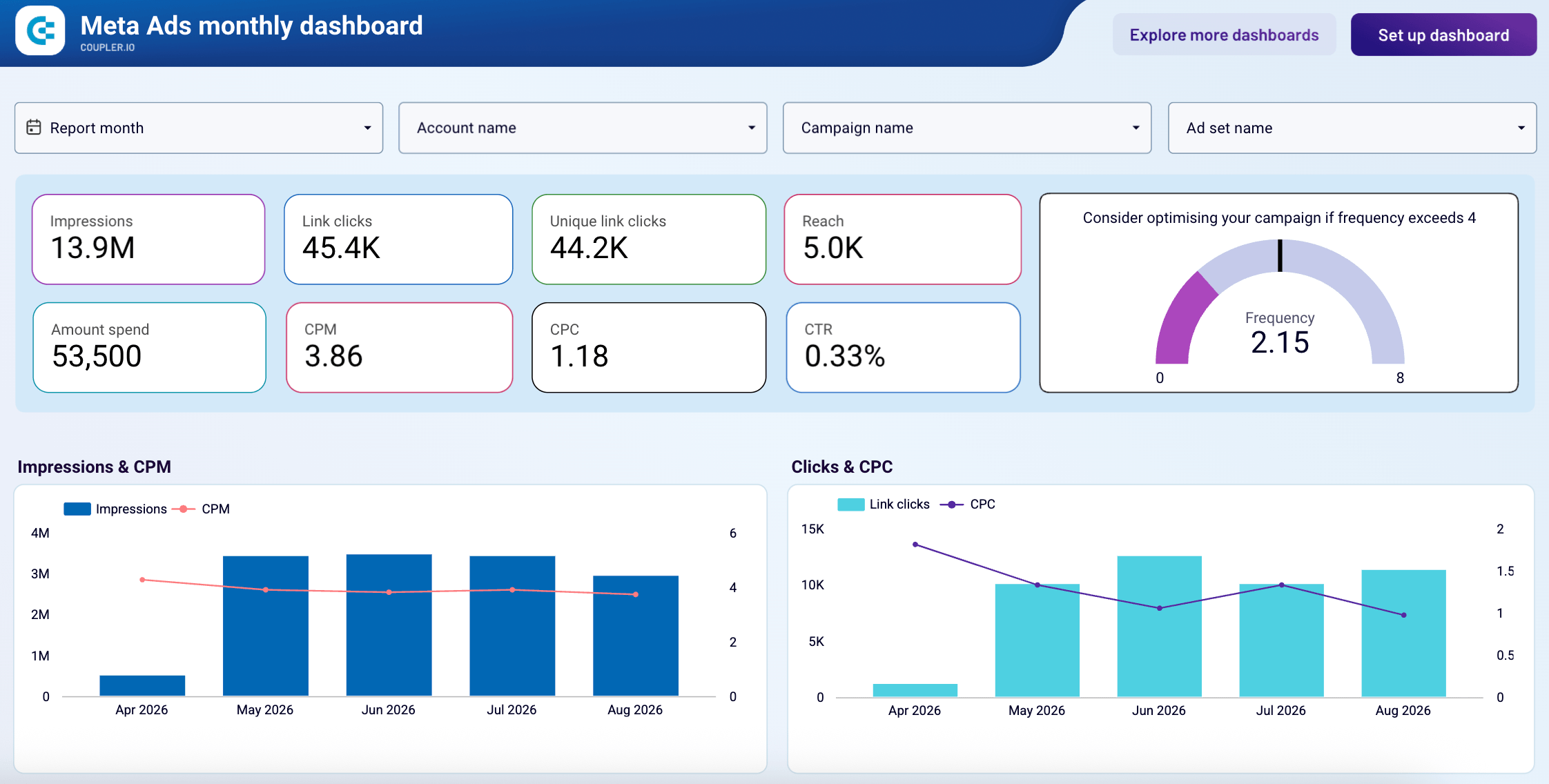
Sign up to Coupler.io for free (no credit card required), then connect Facebook Ads and pick the ad accounts you want to track. The Setup guide in the template explains how to authorize the connection and load your own numbers.
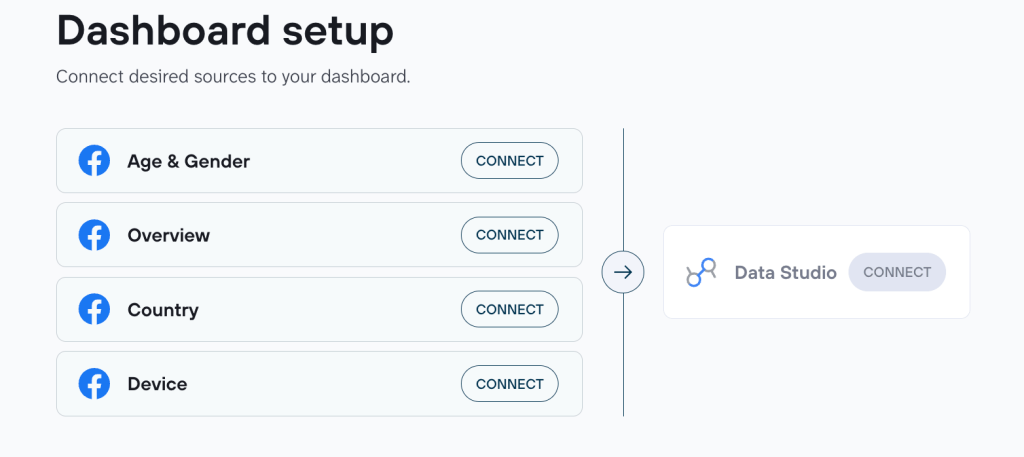
Reporting somewhere other than Data Studio? You can describe the monthly report you need to Coupler.io’s AI Agent, and it helps connect your Facebook Ads data to Google Sheets, Power BI, or another destination. You design the report in that tool, with control over layout and metrics.
What’s in the report
The Meta Ads monthly dashboard tracks two sides of performance:
- Engagement: impressions, link clicks, unique link clicks, reach, frequency, CTR
- Cost: spend, CPM, CPC
Sort the campaign table by spend to see whether your biggest budgets are your most efficient. Compare up to five months side by side to catch a CPM that’s been climbing while your impressions hold flat. The frequency gauge is worth a look every time. Past a score of 4, more budget into the same audience raises your CPC rather than your reach.
When the dashboard shows what changed but not why, put the question to the AI Agent, for example:
"How much of last month's spend increase went to campaigns that gained clicks?"Coupler.io handles the calculations, so answers are based on your connected data rather than estimated.
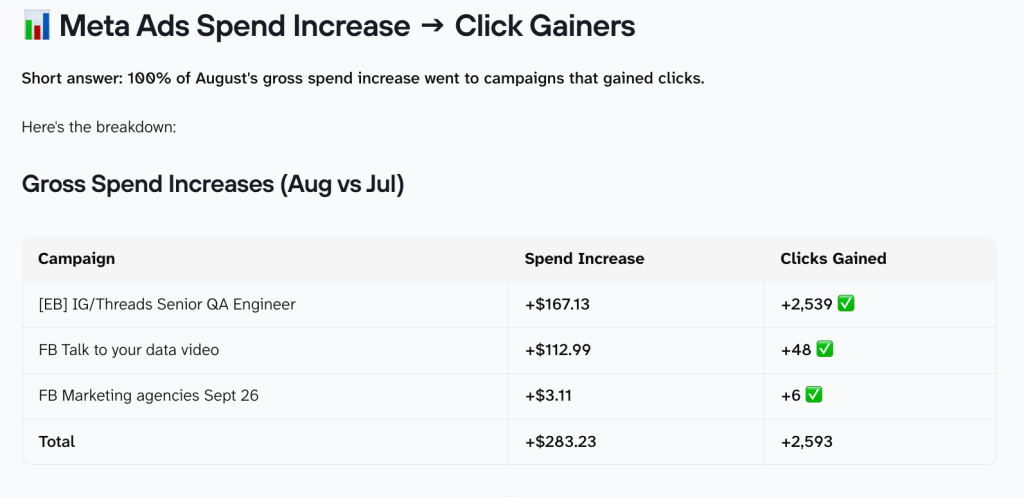
Use the by Coupler AI to turn this into a monthly client narrative instead of a one-off chat answer. The skill formats the same connected data into a ready-to-send summary.
Step 2: Make the dashboard update itself every month
Back in your Coupler.io account, open the Flow Settings in the Facebook Ads connection you set up earlier. Switch on Automatic data refresh and choose a monthly interval. Schedule it to update any day from the 1st to the 28th.
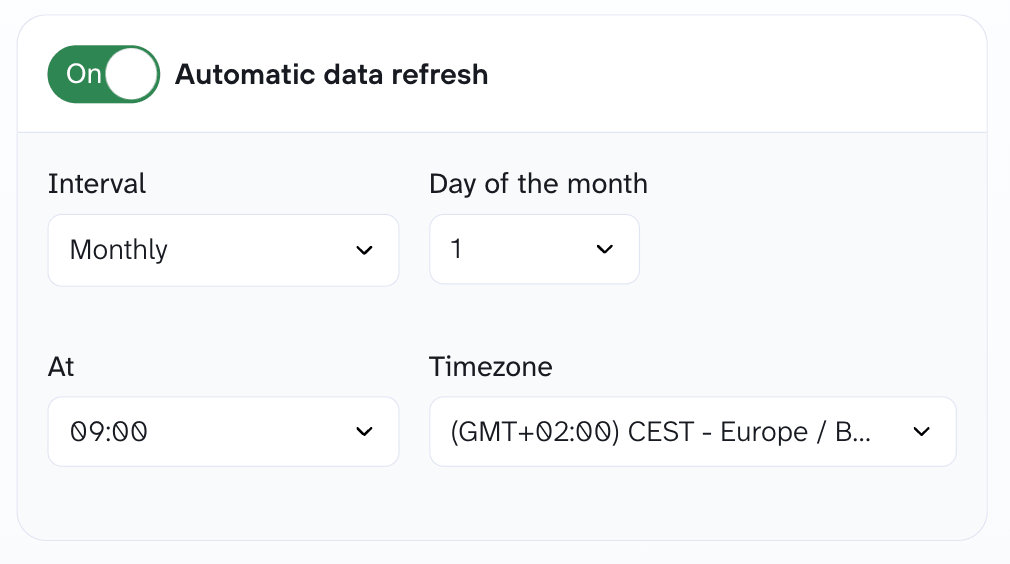
Every month after this one shows up on its own, so the report is waiting when your review comes around.

Get your Facebook Ads monthly report on a schedule
Sign up for free