
What’s New in Coupler.io: Client-Friendly Connections and More AI Power

It’s been a busy cycle. Before we get into the details, here are the key things that landed:
✅Connect clients with a single link, no Coupler.io account needed
✅Create and run data flows from Claude, ChatGPT, or Cursor
✅Get Klaviyo and Meta reports that match what you see in-platform
✅Scale Postgres, Snowflake, and BigQuery to millions of rows
✅Configure a smarter AI agent, get better outputs
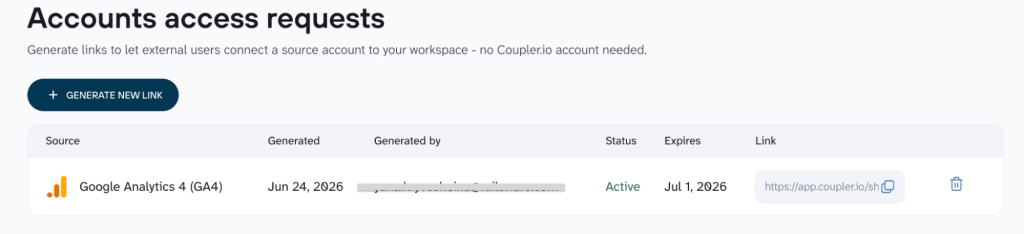
Say you’re setting up a Google Ads report for a client. Now you don’t need to walk them through getting registered with Coupler.io just to connect their account.
Pick the source from your account, generate a link, and send it. The client clicks, authenticates, and the connection appears in your sources list. They never need a Coupler.io account, and you never need access to their workspace.
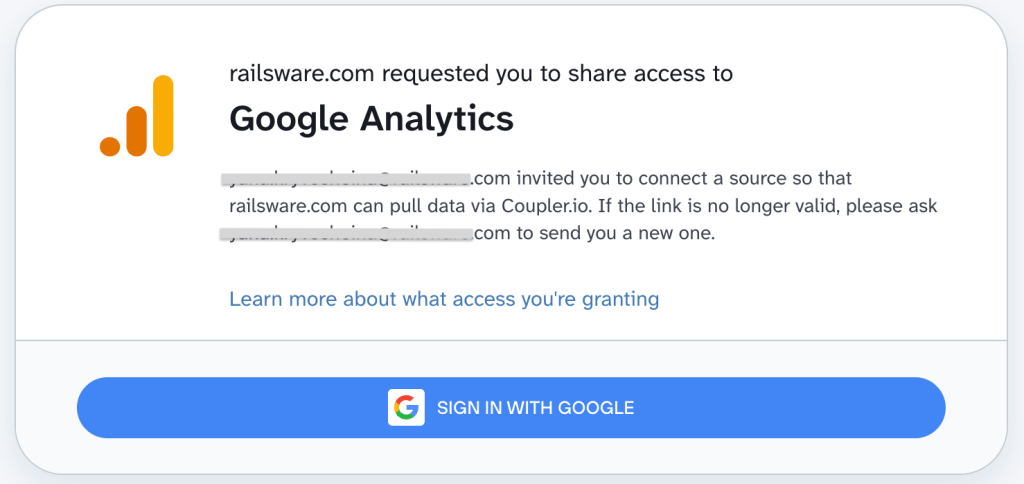
The link itself is designed to keep things clear on their end. It shows who’s requesting access, what permissions are being granted, and a link to documentation on how to revoke access later.
Links expire after 7 days, can be deleted if sent to the wrong person, and are marked as used once the connection is made. Available on Active, Pro, and custom plans, for most sources (those without a separate authentication step, like JSON, Airtable, Clockify, Yahoo Finance, aren’t included).
Connect more of your tech stack
We’ve added new data sources and made several existing ones noticeably more useful. Here’s the rundown.
Updated sources
| Tool | What’s new | What you get |
| Klaviyo | Campaign and flow performance reports | Now you can pull campaign and flow performance reports that match the numbers in Klaviyo’s analytics UI. That includes the standard metrics you’d expect, plus conversion data tied to your specific integrations (placed orders, added to cart, and more). Report on what you actually track, and reconcile the numbers with confidence. |
| GoHighLevel | Filters that let you pull only what you need | New filters on opportunities, contacts, and appointments mean you can scope your GoHighLevel syncs to exactly the data you’re working with: a specific pipeline, a date range, or contacts with recent activity. Less data pulled, faster syncs. |
New source & destination
| Tool | What you get |
| Supabase | If Supabase is part of your stack, you can now connect it in both directions: pull data from it for reporting, push data into it from other tools, or both. |
Speed, stability & convenience improvements
Here’s a set of under-the-hood updates that make existing workflows more reliable and easier to configure:
- Stripe, WooCommerce, and ClickUp can now handle larger data volumes without timeouts.
- Postgres, Snowflake, and BigQuery destinations now handle millions of rows, and the BigQuery source has been updated to match.
- Snowflake users with limited database access can now connect without issues.
- BigQuery schema configuration is simplified: the schema you define in your transformation is what gets pushed, no extra steps. Coupler.io metadata is also now stored in a way that keeps your table descriptions intact and readable by Gemini.
- Getting a Looker Studio report started from a template now takes one click instead of several.
- Stripe now supports both OAuth and API key authentication (your choice when connecting), and both work through the connect-via-link flow.
Keep your Meta reporting accurate as Meta changes
Meta updates its API, and your reports just keep working. All six Meta sources are now on API v25: Facebook Page Insights, Facebook Public Data, Instagram Insights, Instagram Public Data, Facebook Ads, and Instagram Ads.
Facebook Page Insights has also been tidied up: metrics Meta deprecated have been removed from the relevant reports, so nothing breaks quietly in the background.
For Facebook Ads and Instagram Ads, you now have three additional attribution window options: incrementality, engagement-based, and first/all conversions. If your team uses a non-standard attribution model, you can now reflect that directly in Coupler.io.

The updates are live, your reports are waiting
Explore updates in your accountBring your data to the AI tools you already use
You shouldn’t have to leave your AI tool to set up a data flow. These updates get you there: new enterprise AI destinations, data flows you can create and run from Claude, ChatGPT, or Cursor, and an agent that needs less hand-holding.
New AI destinations: Microsoft Copilot Studio and Gemini Enterprise
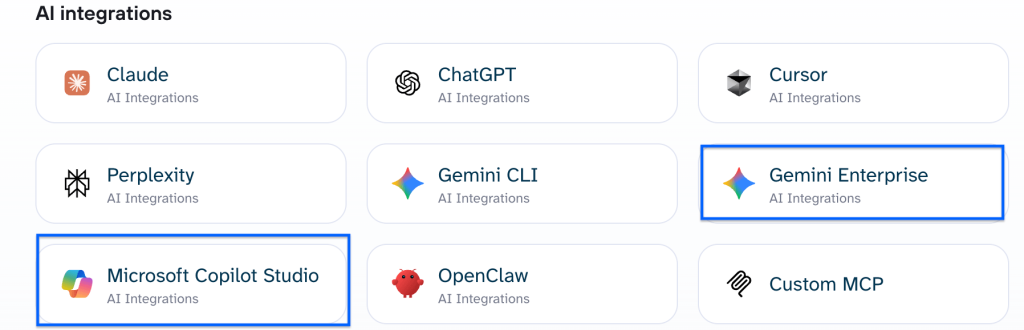
If your organization runs on Microsoft or Google infrastructure, your Coupler.io data can now reach the AI tools inside those ecosystems: Microsoft Copilot Studio and Gemini Enterprise are both live as destinations.
Create and run data flows from inside your AI tool
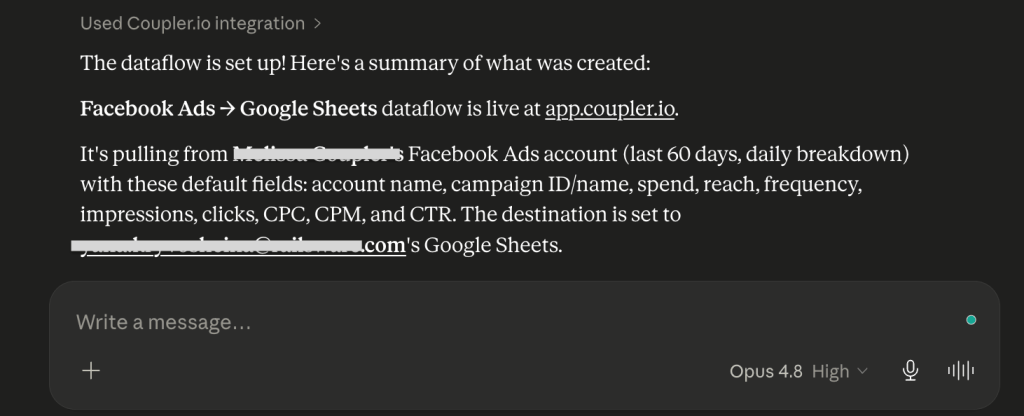
If you’re already working in Claude, ChatGPT, Cursor, or Perplexity, you can now stay there. Tell it what data you need (the source, the metrics, the destination), and it sets everything up without you having to open Coupler.io. For regular data analysis, this removes the back-and-forth between tools that slows the process.
Shape your data set and get better AI outputs from it
No more small, fiddly steps to get your data set into the right shape (the right column names, the right order, the right context, etc.). Column management now opens in full screen across all data sets, with inline renaming and drag-and-drop reordering.
Those descriptions, combined with a cleaner way to provide context, feed directly into the AI agent. The context field for AI data sets is now split into two:
- business context (what the data set represents and how it’s used)
- column-level descriptions (what each field actually means)
This way, the AI gets more precise information to work with, and that shows in the quality of what it returns.
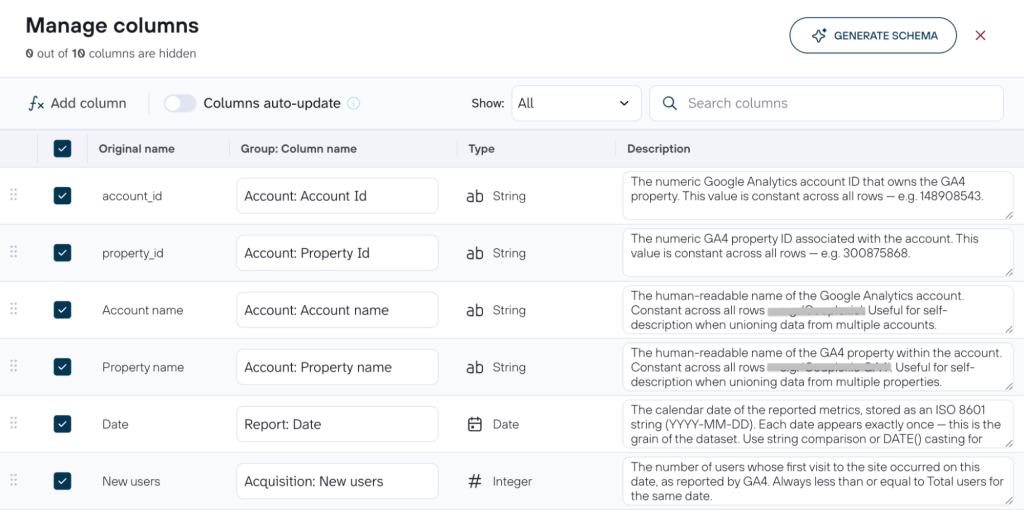
| Field descriptions are available in all data sets, whether you created the data flow with AI or manually. |
AI agent improvements
A few things that make the Coupler.io AI agent easier to work with day-to-day:
- Sources with dynamic dropdowns (GA4 property selectors, account pickers, and similar) can now be fully configured through the agent, so you’re not forced to jump to the UI just to finish a setup the agent started.
- The agent also now checks that a data flow is fully configured before running it, which means you find out immediately if something’s missing.
- A token usage indicator shows how much of your session budget remains, which is handy to check before kicking off a large project.
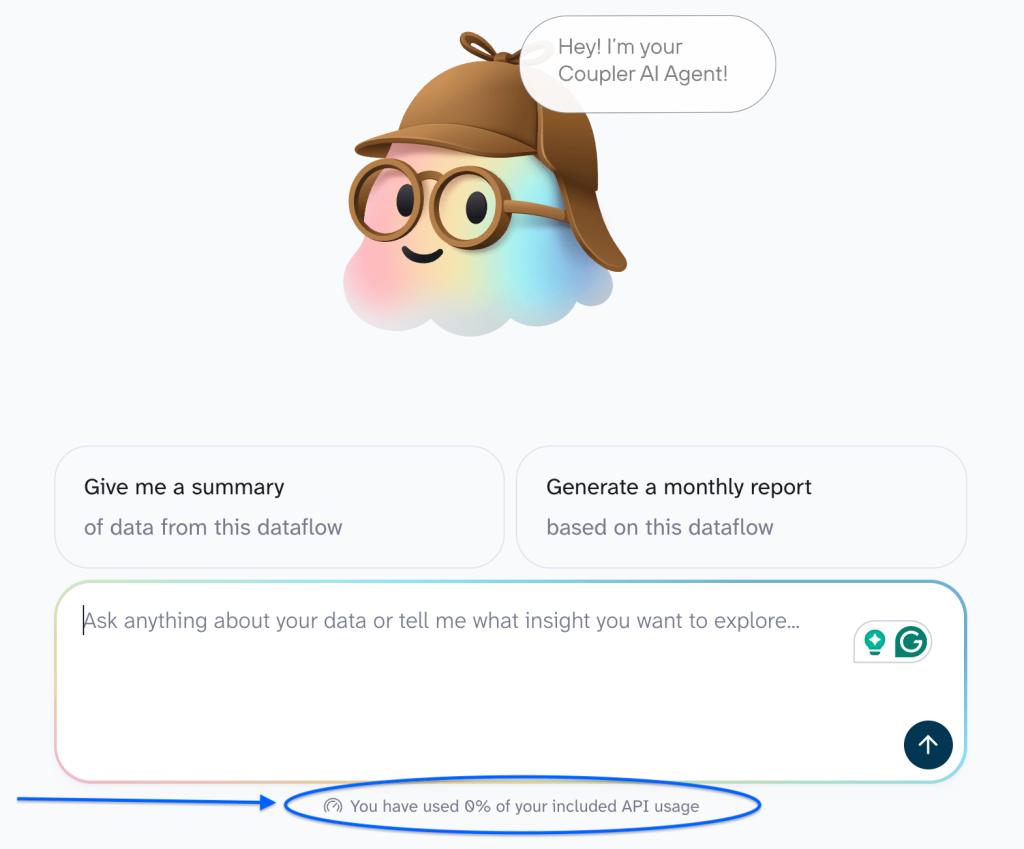
None of this is the end state. Coupler.io keeps adding the sources, destinations, and shortcuts that remove another manual step from your reporting.
Build your AI-powered data flow
Get started nowWhat’s coming soon
Alongside everything that’s already live, here’s a sneak peek at what’s coming next:
SQL transformations will let you blend and join data sources into new data sets. Ask in plain language to combine Google Analytics with Search Console, and the AI writes the SQL and builds the transformation. This is what makes multi-channel reporting fully possible from an AI tool.
As for Shopify, we’re testing a faster way to sync large stores. How much faster? One sync that currently takes 3 hours has been completed in 7 minutes. We’ll let that speak for itself.
Besides that, HubSpot projects, NetSuite ERP, and Amazon Selling Partner are all in development.




